OpenClaw AI Agent Playbooks.
Build your first agent this weekend and put it to work the same day. Go from one agent to a whole staff, each one handling a job you used to do yourself, then set up a pipeline that keeps working after you close the laptop.
3 titles · 15 free guides
Best OpenClaw Books in 2027: The Buyer's Shortlist
We opened all 24 first-page Kindle results for OpenClaw and ranked them on templates, setup, cost, security, agent teams and making money.
from: OpenClaw: Ship 30 AI Agents in 30 Days
How to Charge $500 to Set Up OpenClaw for a Client
Sell the OpenClaw jobs you already know how to build as a setup service: a one-time fee, a monthly check-in, and an inbox job that drafts your intake replies and proposals. Worked as example arithmetic, five clients who buy both the setup and monthly content come to $2,500 a month on about 11 hours.
from: OpenClaw: Ship 30 AI Agents in 30 Days
How to Get Paid Faster With OpenClaw Invoice Reminders
Have every overdue invoice's reminder written and waiting at 9 AM each weekday, from a friendly nudge to a formal follow-up, so the money comes in sooner. One Google Sheet, one pasted OpenClaw command, and a four-invoice test that should total 7,200 unpaid before a real client sees anything.
from: OpenClaw: Ship 30 AI Agents in 30 Days
How to Pick the OpenClaw Templates That Make You Money
Ten OpenClaw templates for real estate, ecommerce, content and freelancing, and how to pick the 2 or 3 that find you more deals and keep more sales. Includes the deal analyzer that ranks every new listing by your own cap rate, built on a rent file so the numbers are real.
from: OpenClaw: Ship 30 AI Agents in 30 Days
How to Get Your First 5 OpenClaw Agents Working This Week
Turn the OpenClaw you installed into five jobs that sort your inbox, check your calendar, file your downloads, write your meeting notes and brief you at 6:30. Each one is a single pasted command that you run once by hand and switch on when it prints a good status.
from: OpenClaw: Ship 30 AI Agents in 30 Days
How to Have OpenClaw Handle Your Email Before You Wake Up
Wake up to an inbox that's already sorted, with replies drafted in your voice and waiting for a thumbs-up from your phone. It takes one skill file, a mail tool OpenClaw already ships and two scheduled jobs, plus one Google setting that quietly switches the whole thing off after seven days if you miss it.
from: OpenClaw: Your First AI Employee
How to Run OpenClaw 24/7 for $6 a Month
Keep an OpenClaw agent answering messages and checking in around the clock for about $6 a month, and know the number to the cent before you commit. There is no multi-model router in the product; four settings you already have take the same agent from $19.94 to $5.15.
from: OpenClaw: Your First AI Employee
How to Build an OpenClaw Research Agent That Briefs You Daily
Get a daily briefing on your industry from an OpenClaw agent that reads 50 sources before you wake up and tells you only what changed since yesterday. It runs about $6.91 a month, set by one dial most people tune backwards, and it starts with a curl check that caught a dead feed when we ran it.
from: OpenClaw: Your First AI Employee
How to Harden OpenClaw in 45 Minutes and Prove It
Lock down the OpenClaw agent that reads your email and calendar in about 45 minutes, then prove it with one command that prints 0 critical. The list starts with a bug that let any web page you opened reach the gateway on your own laptop.
from: OpenClaw: Your First AI Employee
How to Update OpenClaw 2.0 Without Breaking Your Agents
Take every OpenClaw release the day it ships, because you've already watched it run against a copy of your own install while the real gateway kept answering. The check most people script passes on the exact answer that should stop them, so this one reads the status.
from: Build an OpenClaw 2.0 Pipeline That Works While You Sleep
How to Stop OpenClaw Updates From Changing Your Security Settings
Take every OpenClaw update and still be the one who decides who can read your agent's chats and how far its work can fan out. Five defaults moved across three releases, and the built-in security audit reports none of them.
from: Build an OpenClaw 2.0 Pipeline That Works While You Sleep
How to Keep Your OpenClaw Automations After Every Update
Keep every OpenClaw automation, and the reason it exists, through every update, and make each repeat failure cheaper than the last. OpenClaw stores what a cron does and never why, which is how one user's automations came back as simple records after 2.0.
from: Build an OpenClaw 2.0 Pipeline That Works While You Sleep
What to Do When OpenClaw Doctor --fix Keeps Failing
Get a broken OpenClaw gateway answering again tonight, with its memory and config still on it. The one question that tells progress from a dead end in the doctor --fix loop, and the check that stops a rollback from locking you out of your own database.
from: Build an OpenClaw 2.0 Pipeline That Works While You Sleep
Why OpenClaw Keeps Dying Overnight on Your VPS
Run OpenClaw on a VPS that's still answering at 3 a.m., so the first thing you do each morning is read what it did overnight. Docker's default restart policy is no restart at all, and one headless browser can get your gateway killed by the kernel with nothing in the OpenClaw log.
from: Build an OpenClaw 2.0 Pipeline That Works While You Sleep
Read them in this order. Each one assumes the one before it.
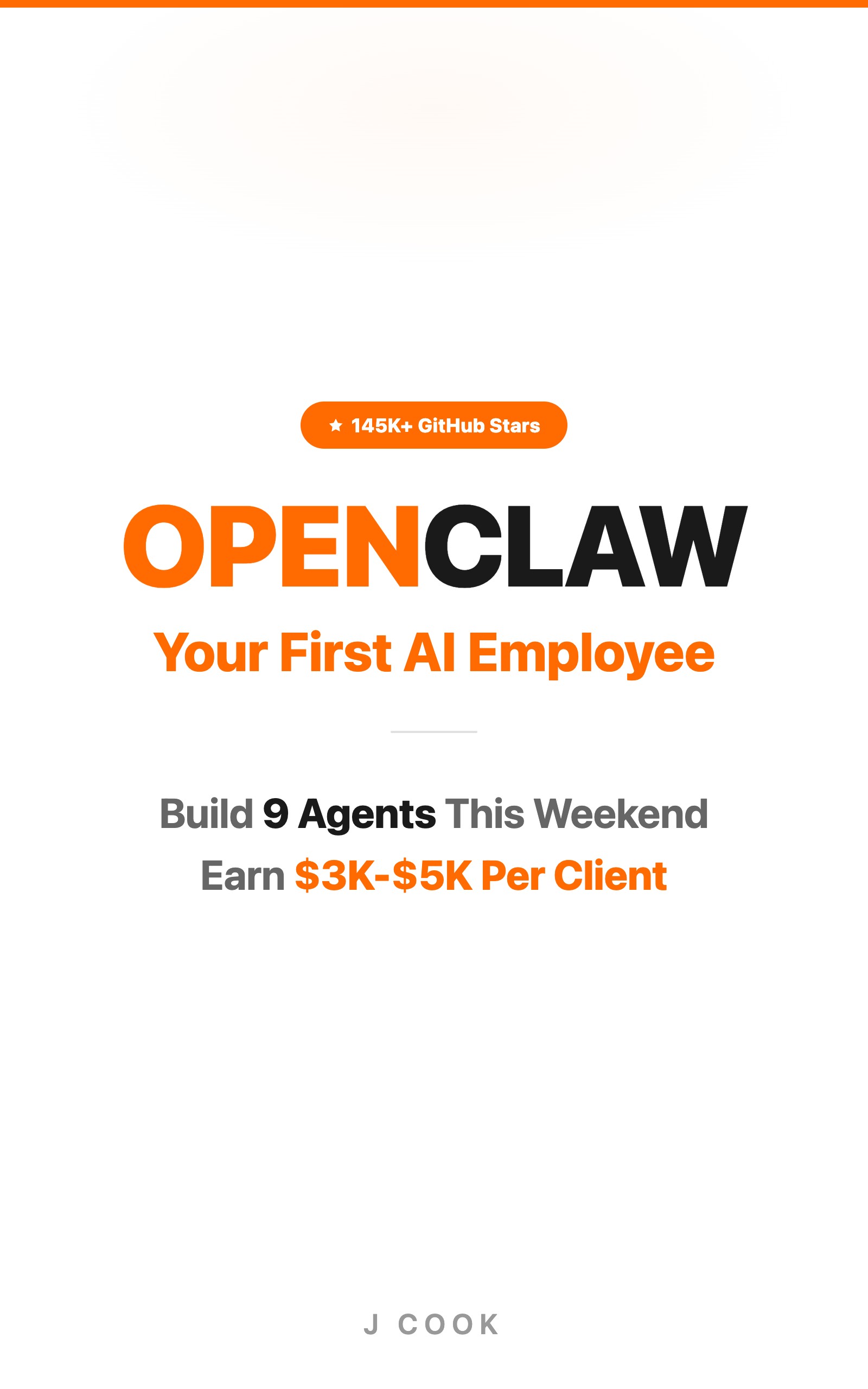
OpenClaw: Your First AI Employee
9 agents that run email, content, and revenue
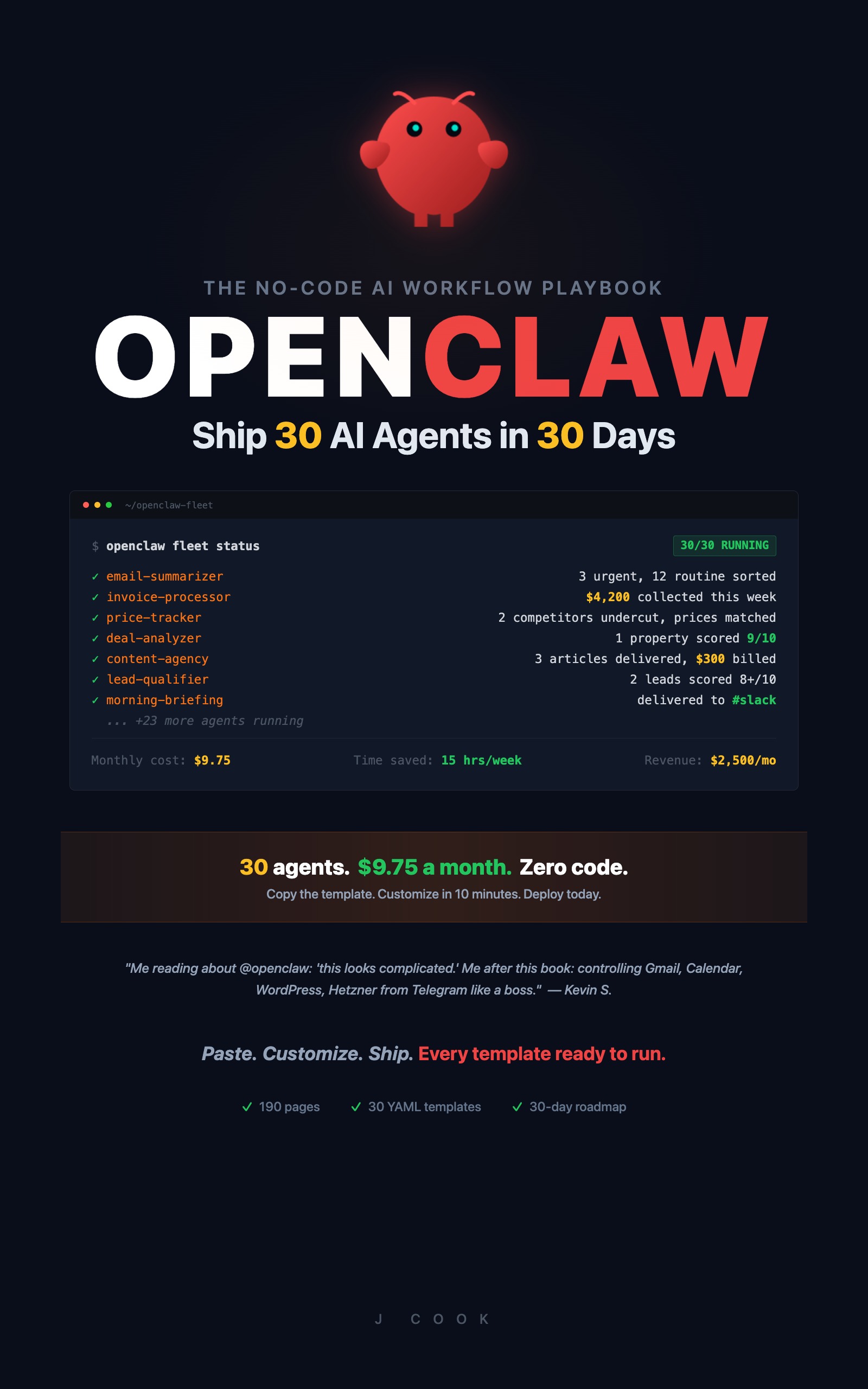
OpenClaw: Ship 30 AI Agents in 30 Days
30 agents in 30 days, on workflow tools
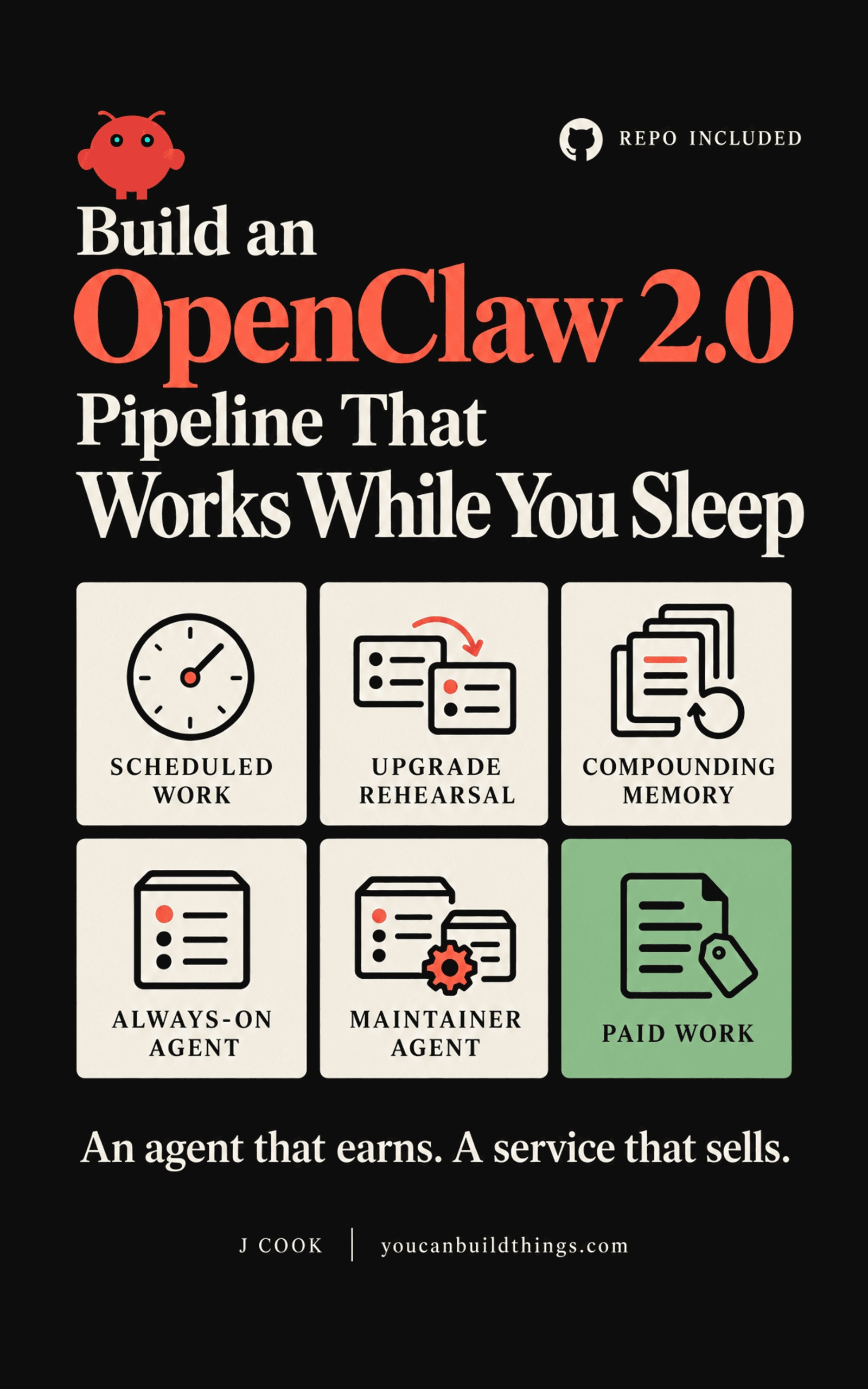
Build an OpenClaw 2.0 Pipeline That Works While You Sleep
Upgrades rehearsed on a copy, automations that survive the next release, and an agent running a paid job on a box that never sleeps
These titles sit on paths that tells you which three to buy first.