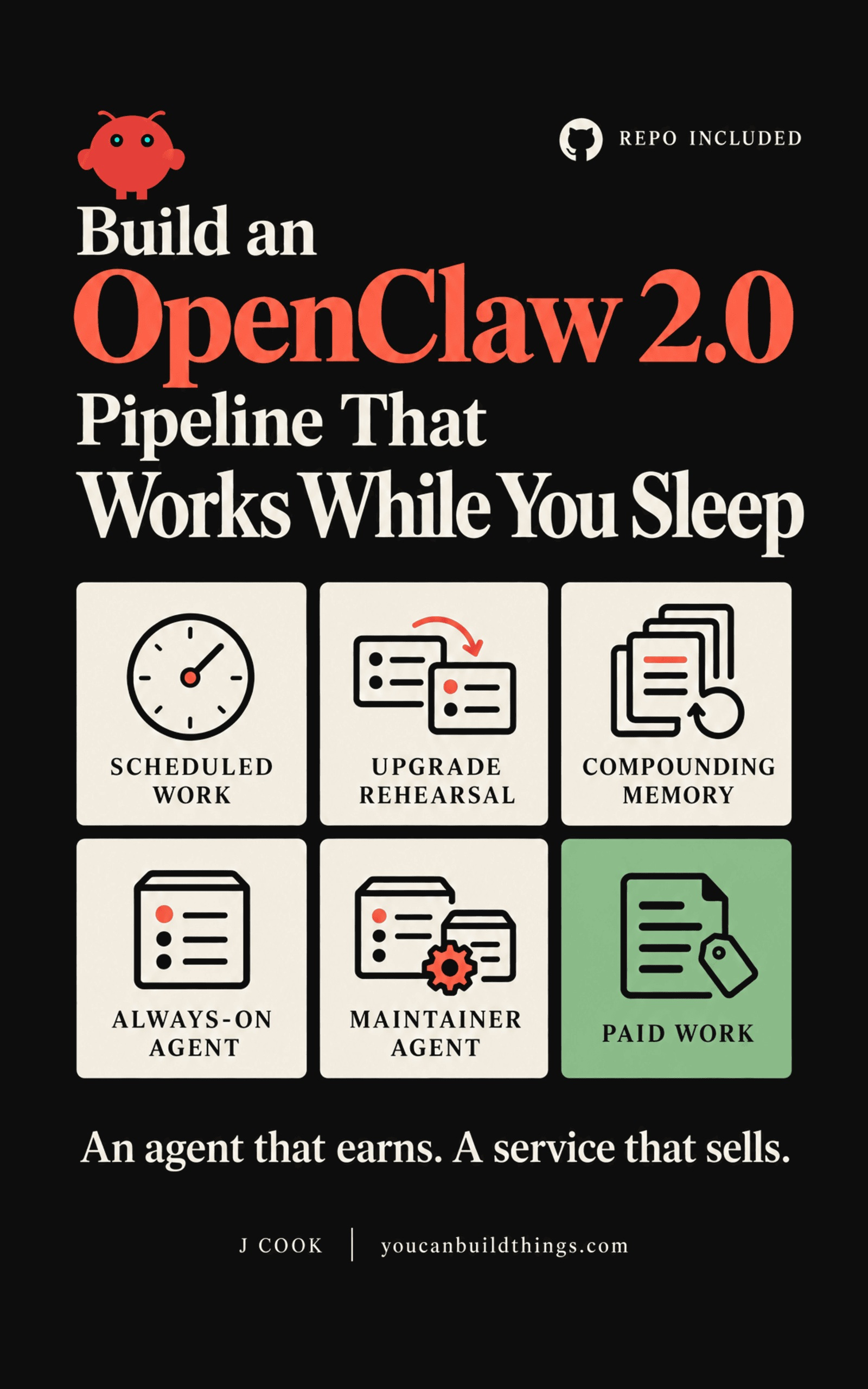
Build an OpenClaw 2.0 Pipeline That Works While You Sleep
Compounding Memory. Automations That Survive Updates. An Agent That Makes You Money.
You ran the update and the gateway never came back. Build the pipeline that rehearses every OpenClaw upgrade on a copy first, keeps your automations in files the next release inherits, runs on a box that never sleeps, and puts the agent on a job someone pays for.
Thirteen OpenClaw books sit on Amazon and eleven of them describe a version that no longer exists. None of them name a default that changed, the repair loop where the fix command tells you to run the fix command, or what to do when the migration stops halfway and nothing tells you it did.
This one is for the install you already have: an inventory, a rehearsal on a copy of your own state, a recovery runbook tested against a failure you caused, a settings diff for every moved default, and an always-on box. Then the agent goes to work on a job that pays, and a second agent keeps the first one current while you sleep.
Every sheet, card and gate ships blank in a free companion repository, organised by chapter, so you fill in your own install instead of retyping tables out of a book.
What You'll Build
Why most installs are stranded behind 2.0, and the ten-stage pipeline that gets yours across.
Score a go/no-go for your own install, with a target version and the one factor that decides your outcome.
Write the inventory from real output, down to which pieces update on their own separate channel.
Run the full upgrade against a copy of your real state while production keeps serving, then perform a real restore.
Upgrade the real install from a one-page runbook card with the expected output for every step and your own timings.
Write a recovery runbook keyed to the failure phases, and test it against a failure you cause on purpose.
Move every automation and agent definition into a repo the next release inherits, plus a memory that diagnoses the same failure faster each cycle.
Diff every default the release moved, then pin the session, agent-to-agent, and swarm settings by hand.
Move to always-on hardware you own with a pinned version, bounded restarts, a health probe, and a script for the second box.
Ship one priced job running unattended for someone who pays, with revenue per run and cost per run on your dashboard.
Find the three multipliers behind the bill, cap the key at the provider, and test a trip-wire that degrades the run.
The whole pipeline on a schedule, plus a maintenance agent that keeps the first one current and is never down at the same time.
Free Articles from this Book
How to Update OpenClaw 2.0 Without Breaking Your Agents
Take every OpenClaw release the day it ships, because you've already watched it run against a copy of your own install while the real gateway kept answering. The check most people script passes on the exact answer that should stop them, so this one reads the status.
from: Build an OpenClaw 2.0 Pipeline That Works While You Sleep
How to Stop OpenClaw Updates From Changing Your Security Settings
Take every OpenClaw update and still be the one who decides who can read your agent's chats and how far its work can fan out. Five defaults moved across three releases, and the built-in security audit reports none of them.
from: Build an OpenClaw 2.0 Pipeline That Works While You Sleep
How to Keep Your OpenClaw Automations After Every Update
Keep every OpenClaw automation, and the reason it exists, through every update, and make each repeat failure cheaper than the last. OpenClaw stores what a cron does and never why, which is how one user's automations came back as simple records after 2.0.
from: Build an OpenClaw 2.0 Pipeline That Works While You Sleep
What to Do When OpenClaw Doctor --fix Keeps Failing
Get a broken OpenClaw gateway answering again tonight, with its memory and config still on it. The one question that tells progress from a dead end in the doctor --fix loop, and the check that stops a rollback from locking you out of your own database.
from: Build an OpenClaw 2.0 Pipeline That Works While You Sleep
Why OpenClaw Keeps Dying Overnight on Your VPS
Run OpenClaw on a VPS that's still answering at 3 a.m., so the first thing you do each morning is read what it did overnight. Docker's default restart policy is no restart at all, and one headless browser can get your gateway killed by the kernel with nothing in the OpenClaw log.
from: Build an OpenClaw 2.0 Pipeline That Works While You Sleep