Best Ollama Books in 2027: The Buyer's Shortlist
We opened all 26 first-page Kindle results for Ollama and ranked them on speed tuning and measured tests first, then on how many of six jobs each page promises.
>This shortlist compares the books. Master Ollama - The Speed Playbook is the one built to find what makes your Ollama slow and measure the fix on your own machine.
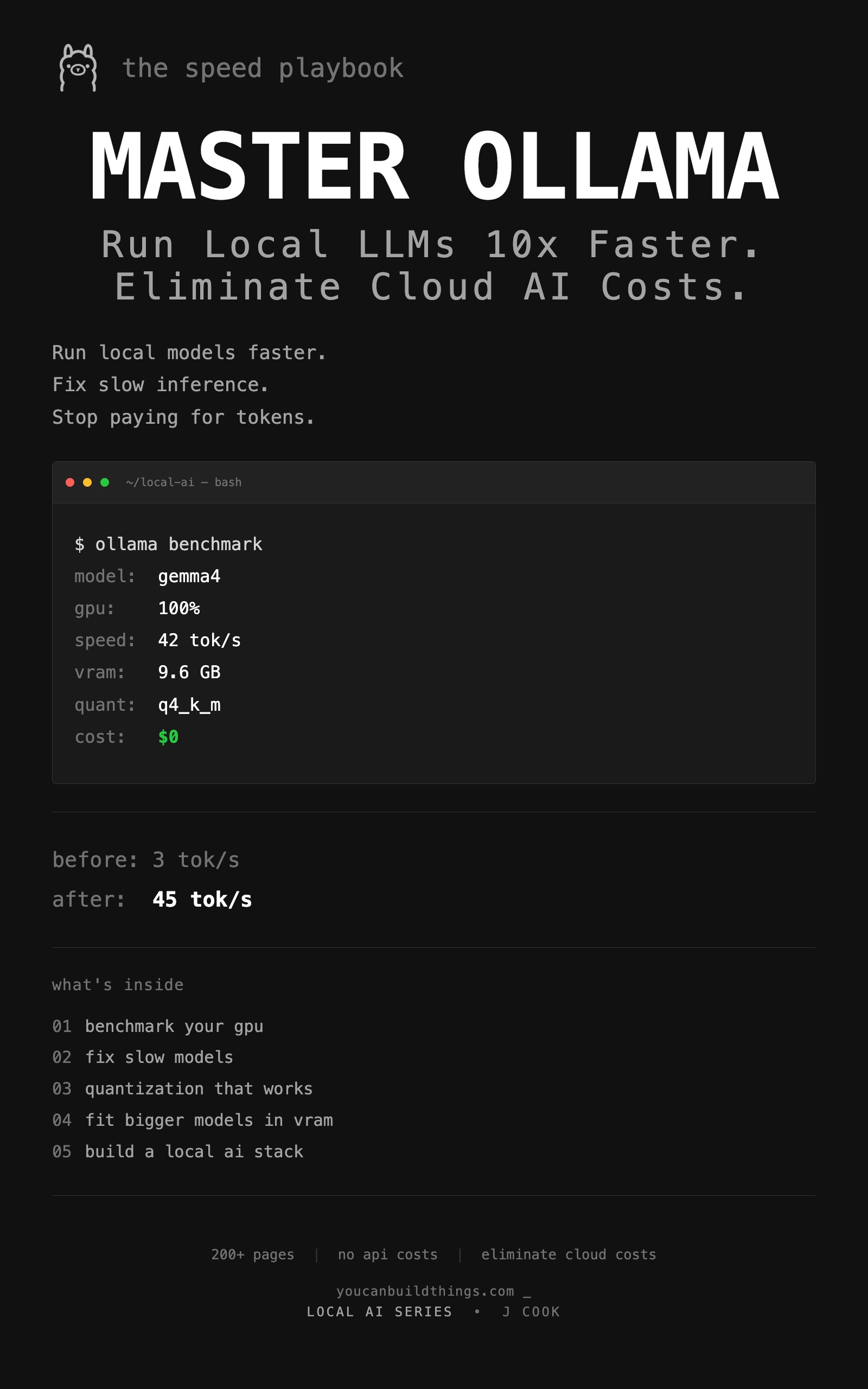
Master Ollama - The Speed Playbook
Run Local LLMs 10x Faster and Eliminate Cloud AI Costs This Weekend
We opened all 26 first-page Kindle results for "ollama" and "ollama local llm" and compared what each one promises, its price and its ratings. Disclosure: John Cook, who wrote this guide, also wrote our top pick. As an Amazon Associate we earn from qualifying purchases. Of the best Ollama books, Master Ollama - The Speed Playbook is the pick for making a slow install fast and measuring the fix. To build apps first, start with OLLAMA PROJECTS HANDBOOK.
Key Takeaways
- Amazon shows 100 Kindle results for "ollama" and 98 for "ollama local llm" on the day we checked. 5 of the 26 first-page books show a star rating, and the most-rated has 72 ratings.
- 21 of the 24 books by other authors clearly promise app projects such as RAG, agents or an API. Only 6 of the 24 clearly promise speed tuning, the problem this guide is about.
- None of the 24 clearly promises a measured head-to-head of Ollama against another engine. 8 give measured tests a hint, and our pick's page promises a same-model comparison of Ollama, llama.cpp and LM Studio.
- 17 of the 24 clearly promise an install walkthrough. Our pick's page assumes Ollama is already installed, so it scores 4.5 of 6 jobs, behind five books at 5 (six counting the Spanish edition of entry 7).
- Kindle prices run from $2.99 to $20.00. 11 of the 26 are free on Kindle Unlimited, and our pick is $12.99 and not on Kindle Unlimited.
Free: The book's companion repo: the ten-prompt benchmark script, the prompt suite, ready-to-adapt Modelfiles and the measurement sheets, organized by chapter. Get the companion repo on GitHub.
What an Ollama Book Actually Is (and What It Is Not)
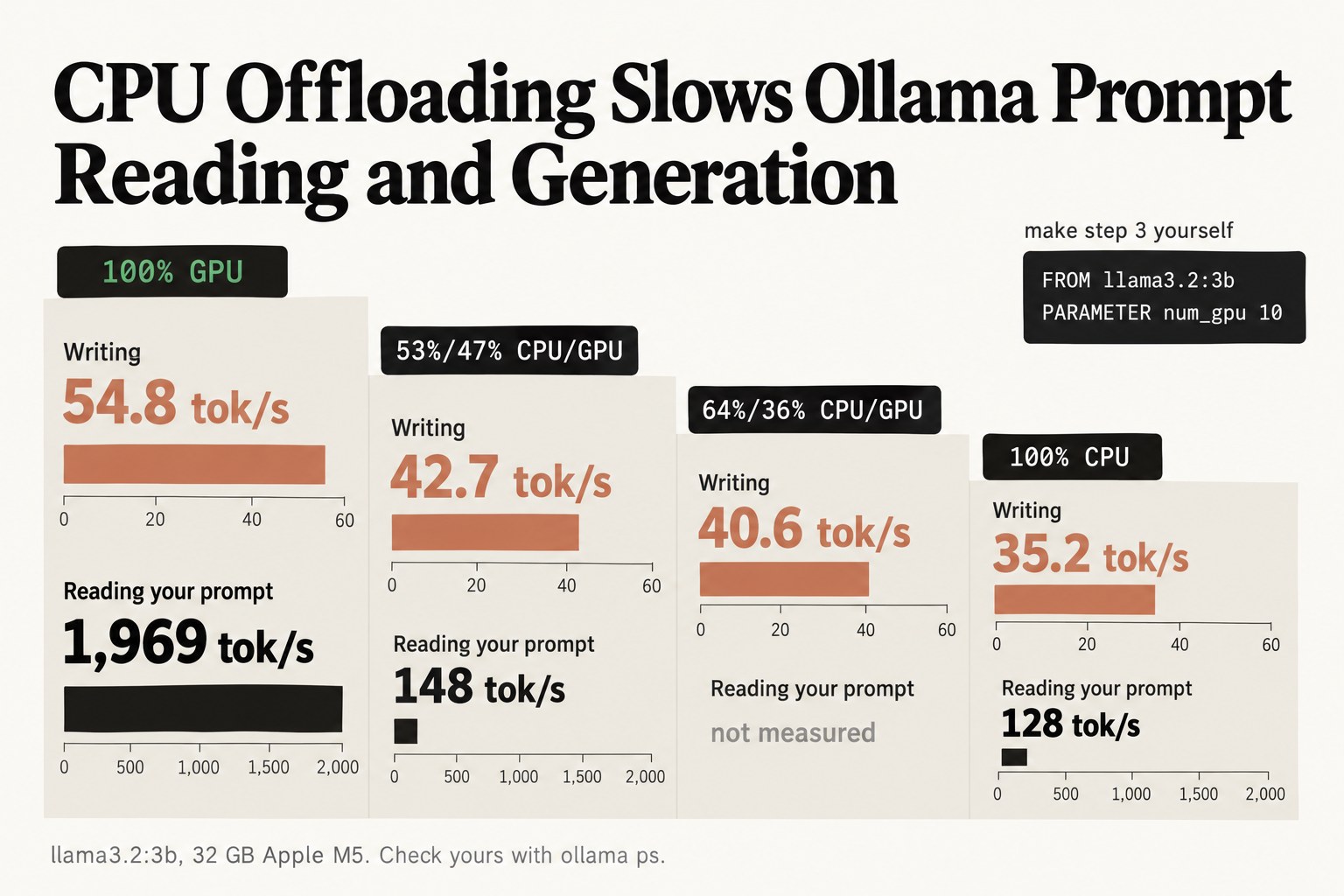
An Ollama book should get your model running fast on the machine you own. Getting Ollama installed is the easy part. One developer on Reddit sent a local model a request from their own app and got the answer thirteen minutes later, with time "to go make coffee, drink it, and reconsider my life choices." The replies traced that wait to a very long system prompt. A book earns its price when it shows you how to find a cause like that. One of the first checks is the PROCESSOR column of ollama ps: the more of the model that runs on the CPU, the slower every answer gets.
Three kinds of book share these search results. Install guides walk you through Mac, Windows and Linux. Project books build RAG assistants, agents and APIs on top of Ollama. Speed and tuning books work on the model itself: which one fits your memory, which settings slow it down, and how to measure the change. Any of them can be the right buy, depending on whether your problem is getting started, building something, or making what you have run faster.
A book is also not the only way in. Ollama's own docs are free, and its GitHub issues are searchable for many error messages. A book earns its price by taking you further, to a tested order of fixes and numbers you measure yourself.
How We Ranked These Books
We opened 26 Amazon product pages live on the same day: all 16 first-page results for "ollama" (100 results) and the 10 other first-page results for "ollama local llm" (98 results). Amazon first showed results for "llama" on both searches, so we used its "Search instead for ollama" link. Each book is scored only on what a buyer can see before paying, the same way for every book, including ours.
- Jobs covered. How many of 6 jobs the description promises: speed tuning, an install walkthrough, choosing a model that fits your hardware, measured benchmarks or head-to-head tests, Modelfiles or quantization, and building apps. These are the jobs our #1 pick's author thinks matter. A clear promise counts 1 and a hint counts half.
- Speed first. Books are ranked on the two speed jobs first, speed tuning plus measured tests, because a slow model is the wall this guide is about. Then on total jobs, then on speed tuning alone, then on number of ratings, then on lower price.
- Reader proof. Star rating and number of ratings on Amazon, shown as is.
- Price. Kindle price, print price, and whether it is free on Kindle Unlimited.
- Length. Print length as listed, since the shelf runs from 101 pages to 795.
By total jobs alone our pick would not be first. Five books score 5 of 6 (six counting the Spanish edition of entry 7) and ours scores 4.5, because its page promises no install walkthrough and only a half-point for apps. Ranked on speed first, it is the only book with both speed jobs clear. Two other books by the author of this guide are left out of the ranking and listed in the notes under the comparison table. If you weigh reviews first, the books with 4 or more ratings are Ollama Crash Course (4.5 on 72), Ollama in Action by Leon Chapman (5.0 on 6) and Mastering Ollama: Run, Optimize, and Deploy (5.0 on 4).
The Best Ollama Books in 2027
Eight books made the list. Quick picks: to make a slow install fast and measure it, Master Ollama - The Speed Playbook; for the biggest project book, OLLAMA PROJECTS HANDBOOK; for GPU optimization with ratings behind it, Mastering Ollama: Run, Optimize, and Deploy; for a slow-setup fix plus five projects on a schedule, Mastering Ollama: Ship 5 Real Projects in 30 Days; for reading model spec sheets in plain English, Ollama LLM AI Playbook; for tuning context length and memory, Ollama Engineering; for production and air-gapped installs, OLLAMA THE COMPLETE LOCAL AI HANDBOOK; for hardware requirements before the install, Local LLM Setup. The other 17 books by other authors are in the notes under the comparison table.
1. Master Ollama - The Speed Playbook, best for making a slow install fast and measuring the fix
At a glance: 2 of 2 speed jobs · 4.5 of 6 jobs · $12.99 · 238 pages · free companion repo · no ratings shown · See it on Amazon
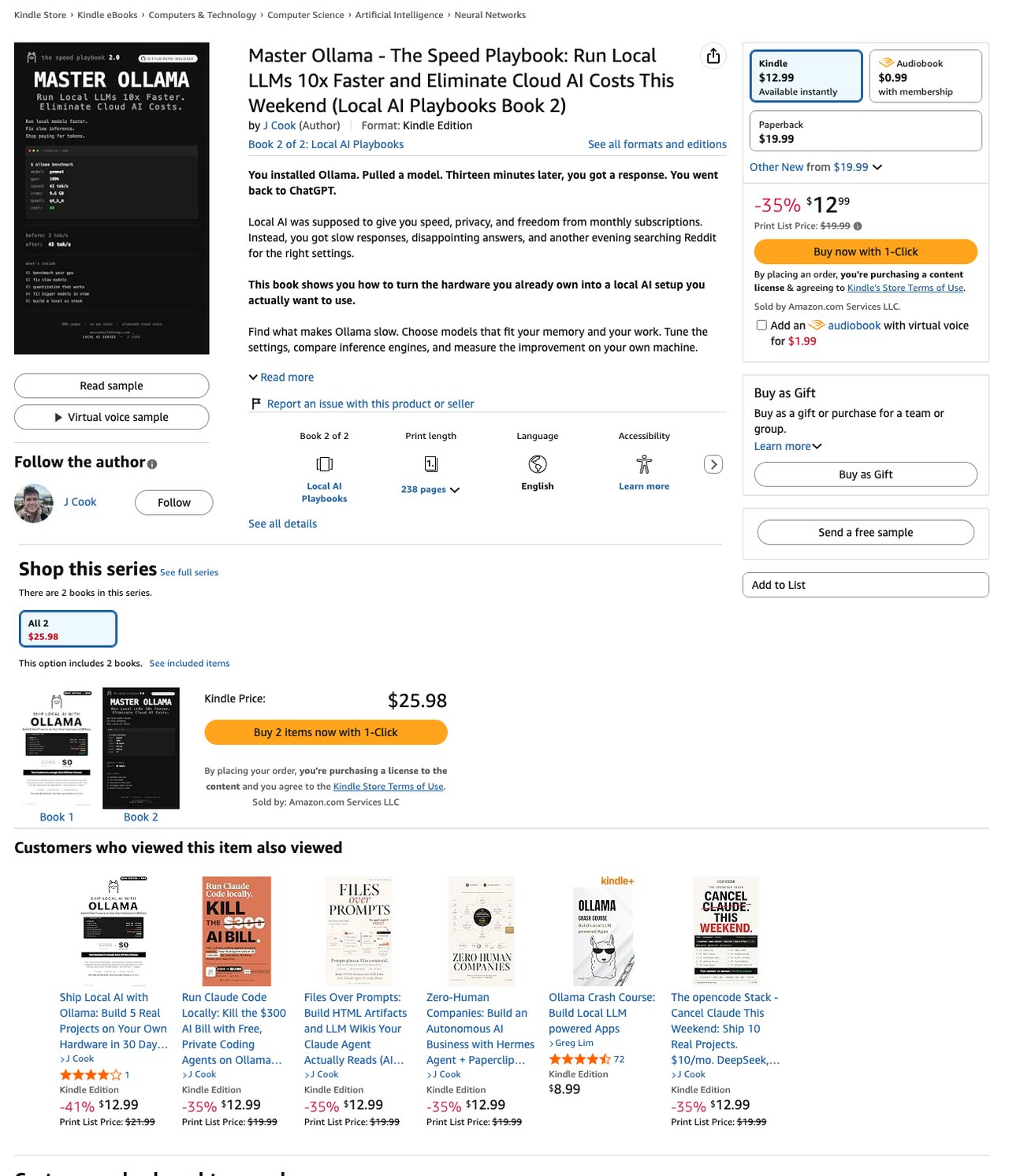
This is the book I wrote, so weigh this entry with that in mind. It opens on a wall owners report: "You installed Ollama. Pulled a model. Thirteen minutes later, you got a response. You went back to ChatGPT."
It covers four of our six jobs outright. Speed: "Find and fix your speed bottleneck. Check GPU usage, CPU spill, context size, and memory pressure instead of randomly changing settings." Model fit: "Estimate memory requirements and verify the fit before committing to another large download." Modelfiles: "Use task-specific Modelfiles to configure local AI for coding, chat, and analysis." And the one no other page on the shelf clearly promises: "Compare Ollama, llama.cpp, and LM Studio using the same model and workload."
Apps get half a point, for "builds for an always-on local AI server using a compatible phone, mini-PC, or pooled GPUs," which is a server, not an app. The page assumes Ollama is already installed, so it gets nothing for setup. "The free companion GitHub repository gives you the tools to start testing immediately," with the benchmark script and Modelfiles. It is the 2nd edition, at $12.99 with a $19.99 paperback, and shows no star rating to a signed-out visitor.
Best suited for: someone who has Ollama installed, finds it slow, and wants to know why with numbers. If you have not installed it yet, read entry 5 first.
2. OLLAMA PROJECTS HANDBOOK, best for the biggest project book on the shelf
At a glance: 1.5 of 2 speed jobs · 5 of 6 jobs · $12.99 or free on Kindle Unlimited · 795 pages · no ratings shown · See it on Amazon
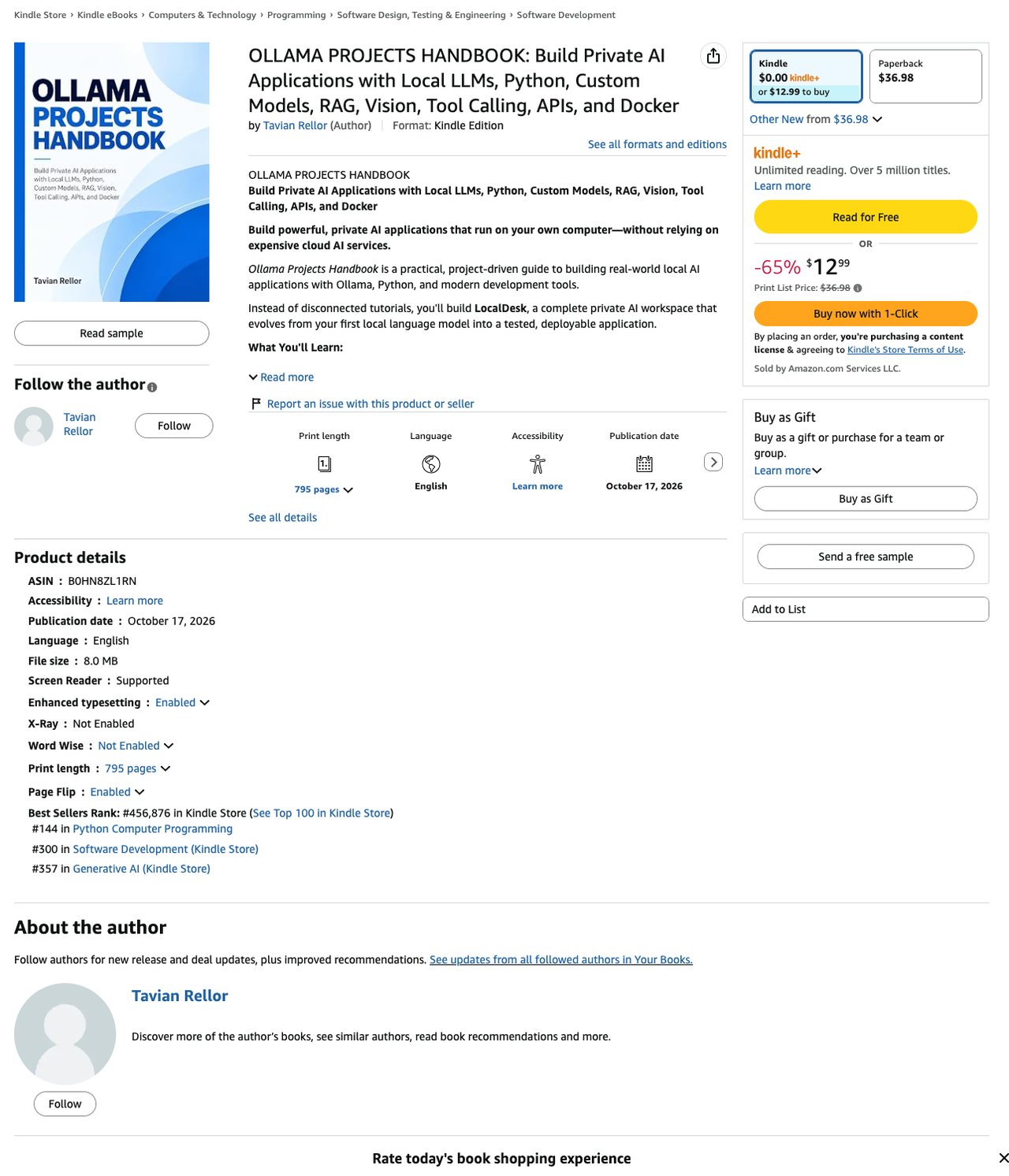
Tavian Rellor calls this "a practical, project-driven guide to building real-world local AI applications with Ollama, Python, and modern development tools." At 795 pages it is the longest book we opened, and it was #4 on both searches.
Its page clearly promises four jobs. Setup: "Install Ollama, select models, manage resources, and configure local-only inference." Speed: "Optimize Performance: Benchmark models, configure CPU and GPU inference, and improve efficiency." Modelfiles and apps: "Use Python, the Ollama API, FastAPI, streaming responses, and custom Modelfiles." Model choice gets half a point, since it says "select models" without a hardware line, and so do measured tests, since "Benchmark models" names no head-to-head.
The page also lists RAG with "embeddings, vector retrieval, and source-grounded AI assistants" and Docker deployment. The page says you build it all "without needing a companion GitHub repository or paid inference API." It was published 12 days before we checked, at $12.99 or free on Kindle Unlimited, with a $36.98 paperback, and shows no star rating.
Best suited for: a Python developer who wants one long book of app projects that also lists performance and benchmarking. Too long if speed is your only problem.
3. Mastering Ollama: Run, Optimize, and Deploy, best for GPU optimization with ratings behind it
At a glance: 1.5 of 2 speed jobs · 4 of 6 jobs · 5.0 stars, 4 ratings · $8.50 · 264 pages · See it on Amazon
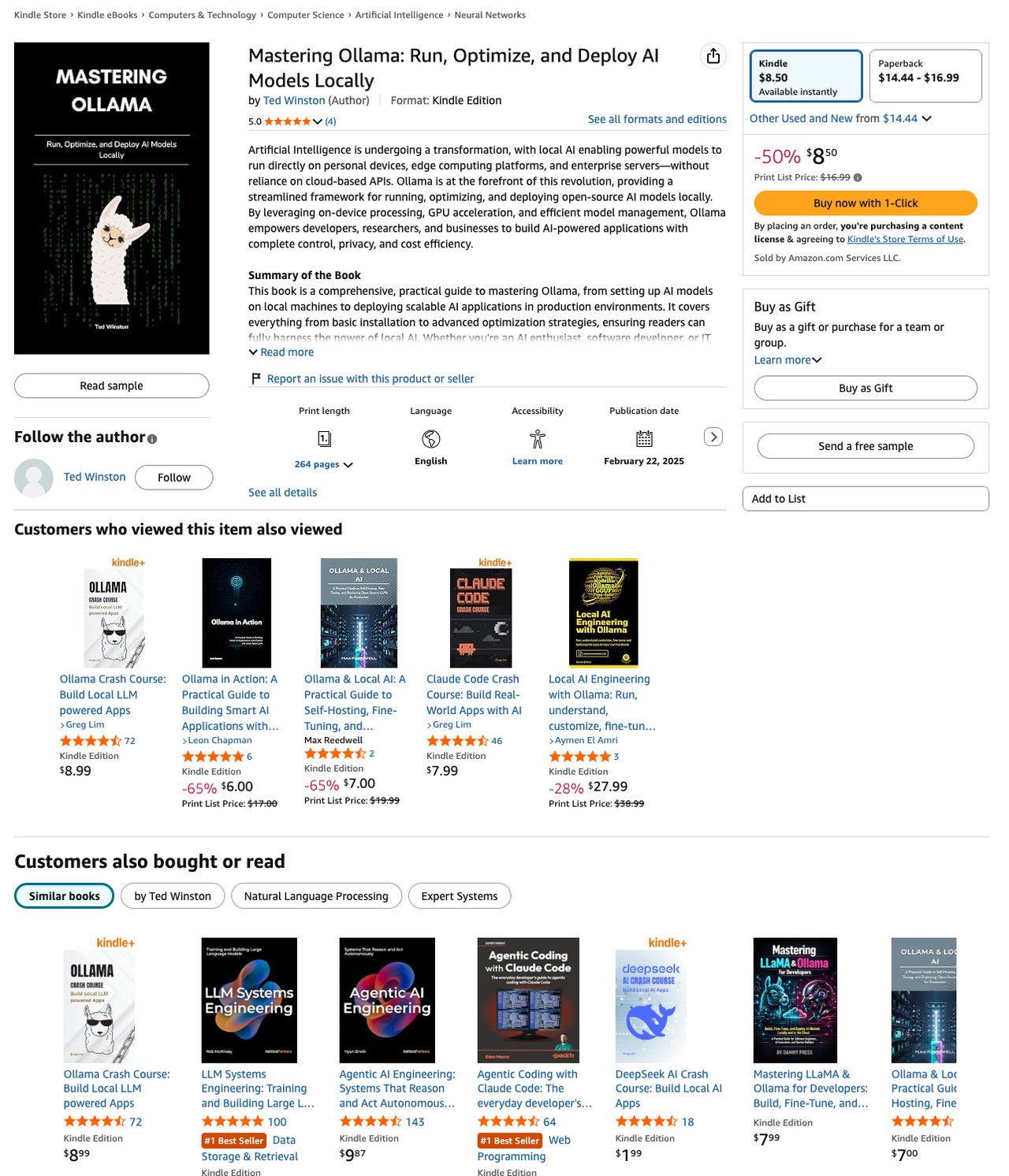
Ted Winston's book is the only one in this ranking with star ratings on its page: 5.0 on 4. It is also one of the older books on the shelf, published February 22, 2025.
Its page clearly promises three jobs. Speed: "Optimizing AI inference with GPU acceleration, quantization, and memory-efficient execution." Setup: "Step-by-step setup for running AI models on Windows, macOS, and Linux." Apps: "Building AI-powered applications with APIs, LangChain, and web integrations." Measured tests get half a point for "Advanced benchmarking techniques to maximize performance and efficiency," which names a method but no comparison. Quantization gets half a point because it appears inside the optimizing line, with no Modelfile line.
It also names deployment at scale: "Deploying AI at scale using enterprise infrastructure, Kubernetes, and vector databases." It gets nothing for model choice. It is $8.50 on Kindle and not on Kindle Unlimited, with a $16.99 list price for the paperback.
Best suited for: a reader who wants GPU and quantization tuning plus a path to enterprise deployment, from a book other readers have rated. No model-fit guide is promised.
4. Mastering Ollama: Ship 5 Real Projects in 30 Days, best for a slow-setup fix plus five projects on a schedule
At a glance: 1.5 of 2 speed jobs · 3.5 of 6 jobs · $6.99 · 231 pages · no ratings shown · See it on Amazon
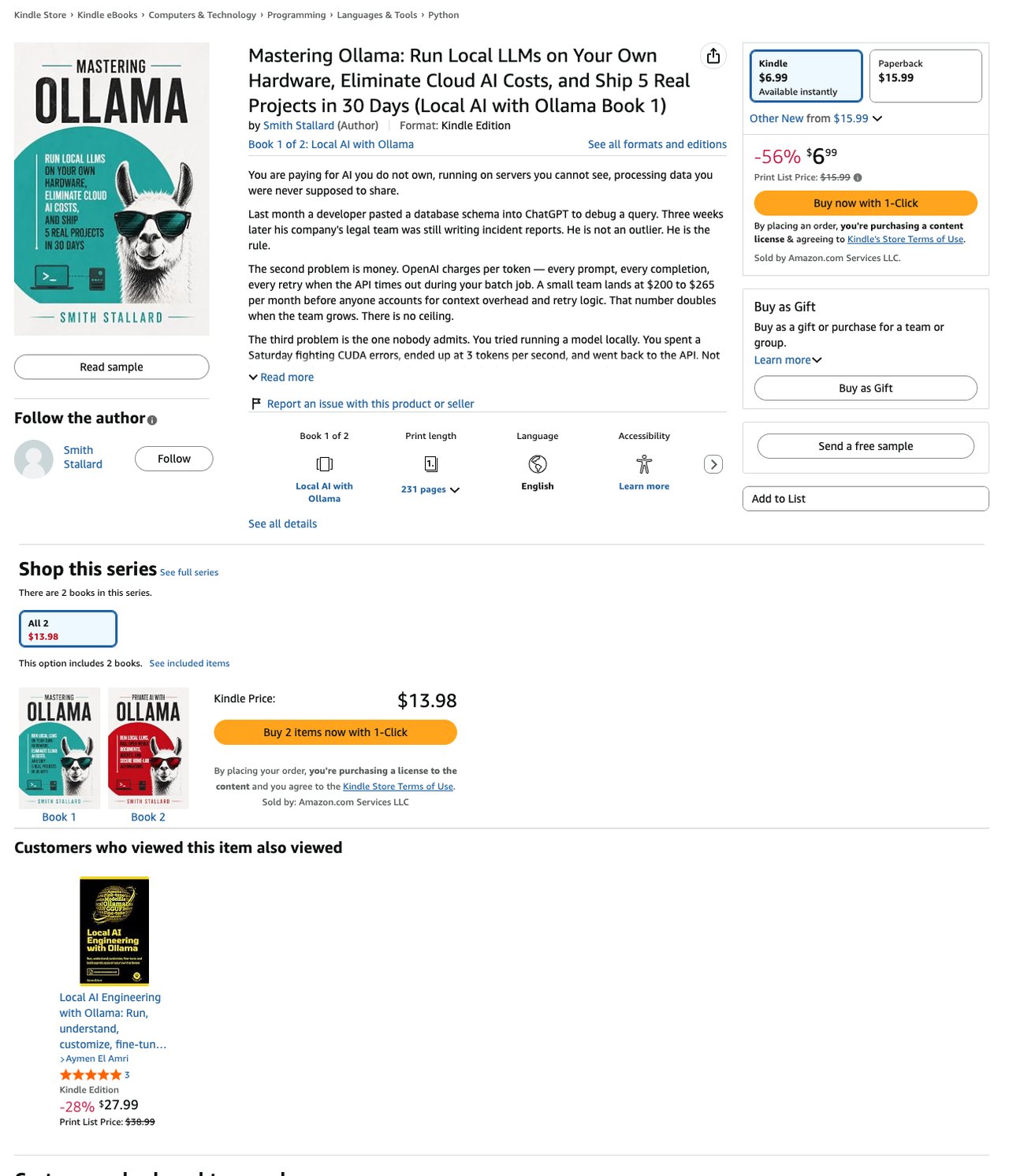
Smith Stallard opens on the same frustration as our pick: "You spent a Saturday fighting CUDA errors, ended up at 3 tokens per second, and went back to the API." It ranks 4th because it pairs a clear speed line with a benchmark hint, which is 1.5 speed jobs.
That promise is specific: "why your local setup is slow right now and the ten-minute benchmark that fixes it." It sits inside "the foundation most guides skip — the honest hardware truth, VRAM math, model selection by task," which counts in full for model choice. The benchmark gets half a point for measured tests, since it is one benchmark and not a comparison.
The rest is projects with day numbers, from "Project 1 — Local Coding Assistant (Days 1–6)" to "Project 5 — Automation Agent with Tool Calling (Days 25–30)," and the page adds "Chapter 7 runs the full cost math." It gets nothing for setup or Modelfiles, which is why it totals 3.5. It is Book 1 of 2 in Local AI with Ollama, at $6.99 and not on Kindle Unlimited, with a $15.99 paperback.
Best suited for: someone who wants a quick speed check and then a 30-day run of projects. No install walkthrough and no Modelfile chapter are promised.
5. Ollama LLM AI Playbook, best for reading model spec sheets in plain English
At a glance: 1 of 2 speed jobs · 5 of 6 jobs · $5.00 or free on Kindle Unlimited · 154 pages · no ratings shown · See it on Amazon
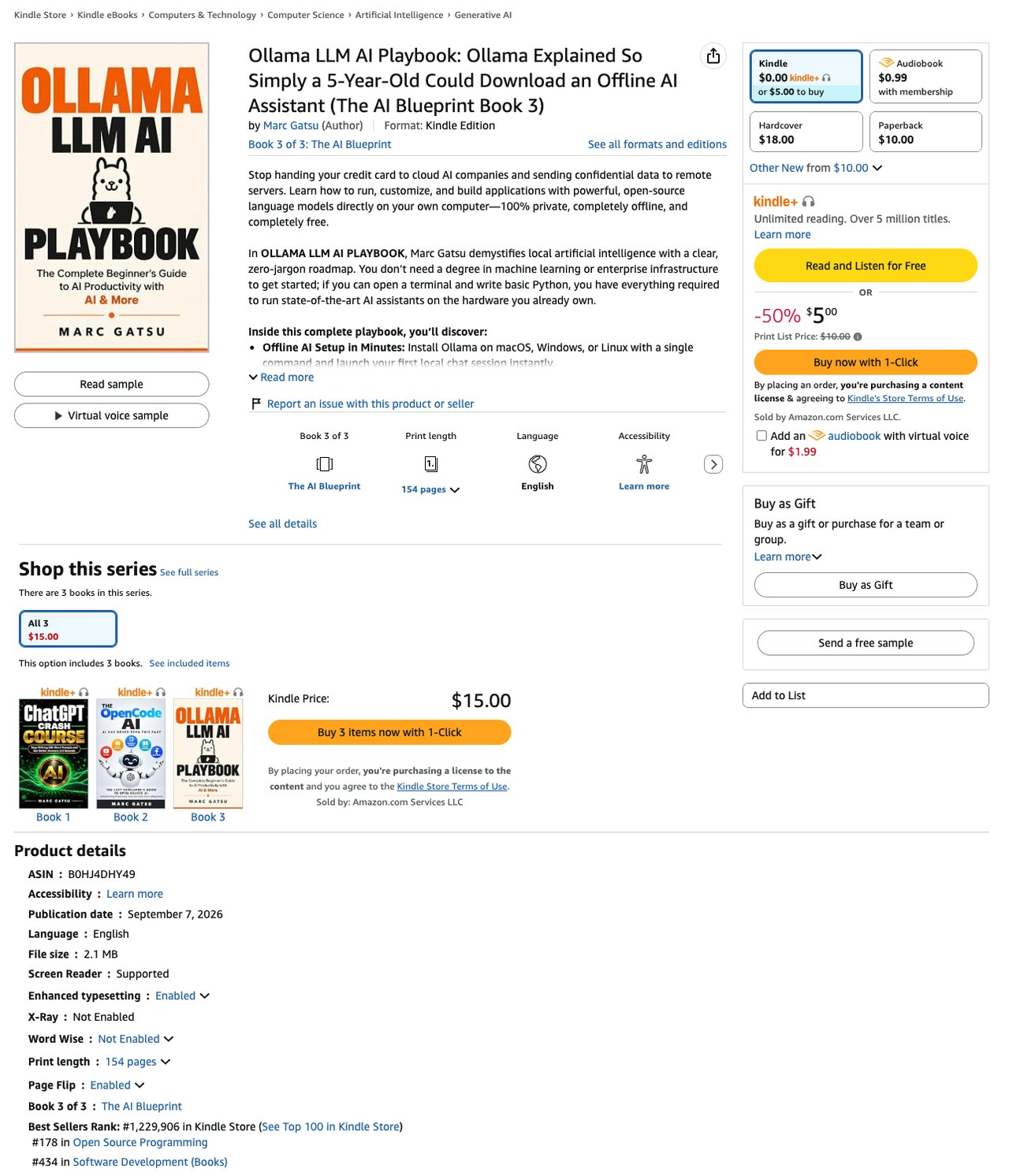
Marc Gatsu's subtitle sets the bar low: "Ollama Explained So Simply a 5-Year-Old Could Download an Offline AI Assistant." Its page still clearly promises five of our six jobs. Entry 2 reaches the same total of 5 with four clear promises and two halves.
Setup: "Install Ollama on macOS, Windows, or Linux with a single command." Model choice: "Decode parameter sizes (from 1B to 70B+), context lengths, and 4-bit quantization (Q4_K_M) to match models like Llama, Mistral, Qwen, and Gemma to your system's exact RAM." Speed: "Maximize GPU acceleration on NVIDIA hardware or Apple Silicon unified memory, manage active VRAM, and resolve system bottlenecks." Modelfiles: "Shape a model’s persona, lower temperature for deterministic results, and enforce permanent system instructions without retraining."
The app is a full one: "a complete, private Retrieval-Augmented Generation app with LangChain, ChromaDB, nomic-embed-text, and a clean Streamlit web UI." It gets nothing for measured tests, which is why it ranks below the three books above it that pair a clear speed line with a hint of measured tests. It is Book 3 of 3 in The AI Blueprint, at $5.00 or free on Kindle Unlimited, with a virtual-voice audiobook.
Best suited for: a first-time owner who wants the install, model sizing and one real app in a short book. Pair it with entry 1 once your model runs but runs slowly.
6. Ollama Engineering, best for tuning context length and memory
At a glance: 1 of 2 speed jobs · 5 of 6 jobs · $8.11 · 431 pages · no ratings shown · See it on Amazon
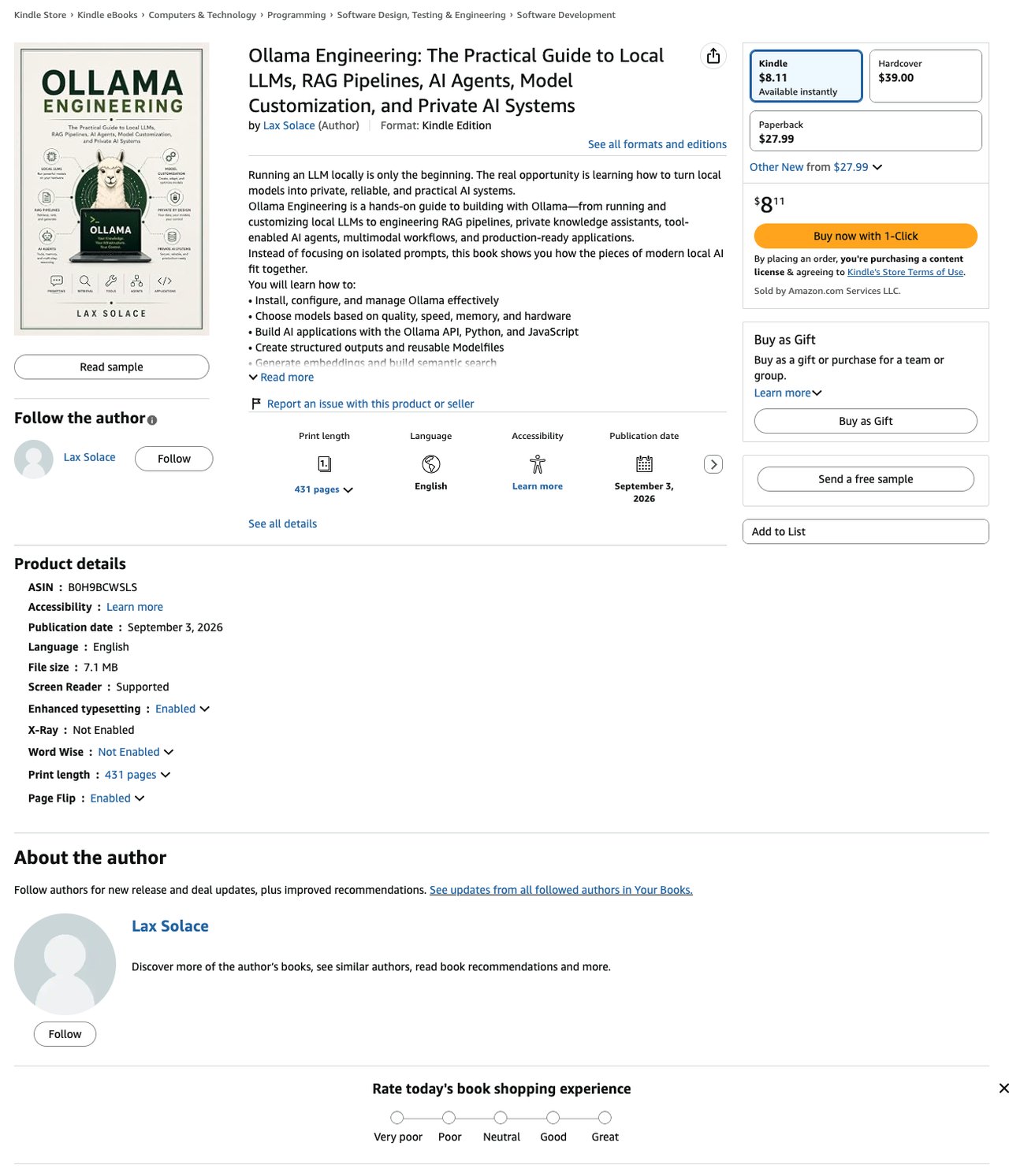
Lax Solace's page is a list of twelve skills, and they clearly cover five of our six jobs. Speed: "Optimize context length, quantization, CPU, GPU, RAM, and VRAM." Of the 24 books by other authors, it is the only page that names context length in its speed line.
Model choice: "Choose models based on quality, speed, memory, and hardware." Setup: "Install, configure, and manage Ollama effectively." Modelfiles: "Create structured outputs and reusable Modelfiles." Apps: "Engineer complete retrieval-augmented generation (RAG) pipelines" and "Create controlled tool-calling and AI agent workflows."
Its last line, "Evaluate, monitor, test, and deploy reliable AI systems," names testing without a comparison, so measured tests score nothing. It ranks behind entry 5 on price after tying on every other step. It is $8.11 on Kindle and not on Kindle Unlimited, with a $27.99 paperback and a $39.00 hardcover, and the page shows no Best Sellers Rank.
Best suited for: a developer who wants one reference for memory tuning, Modelfiles, RAG and agents. No benchmark method is promised.
7. OLLAMA THE COMPLETE LOCAL AI HANDBOOK, best for production and air-gapped installs
At a glance: 1 of 2 speed jobs · 5 of 6 jobs · $2.99 or free on Kindle Unlimited · 159 pages · no ratings shown · See it on Amazon
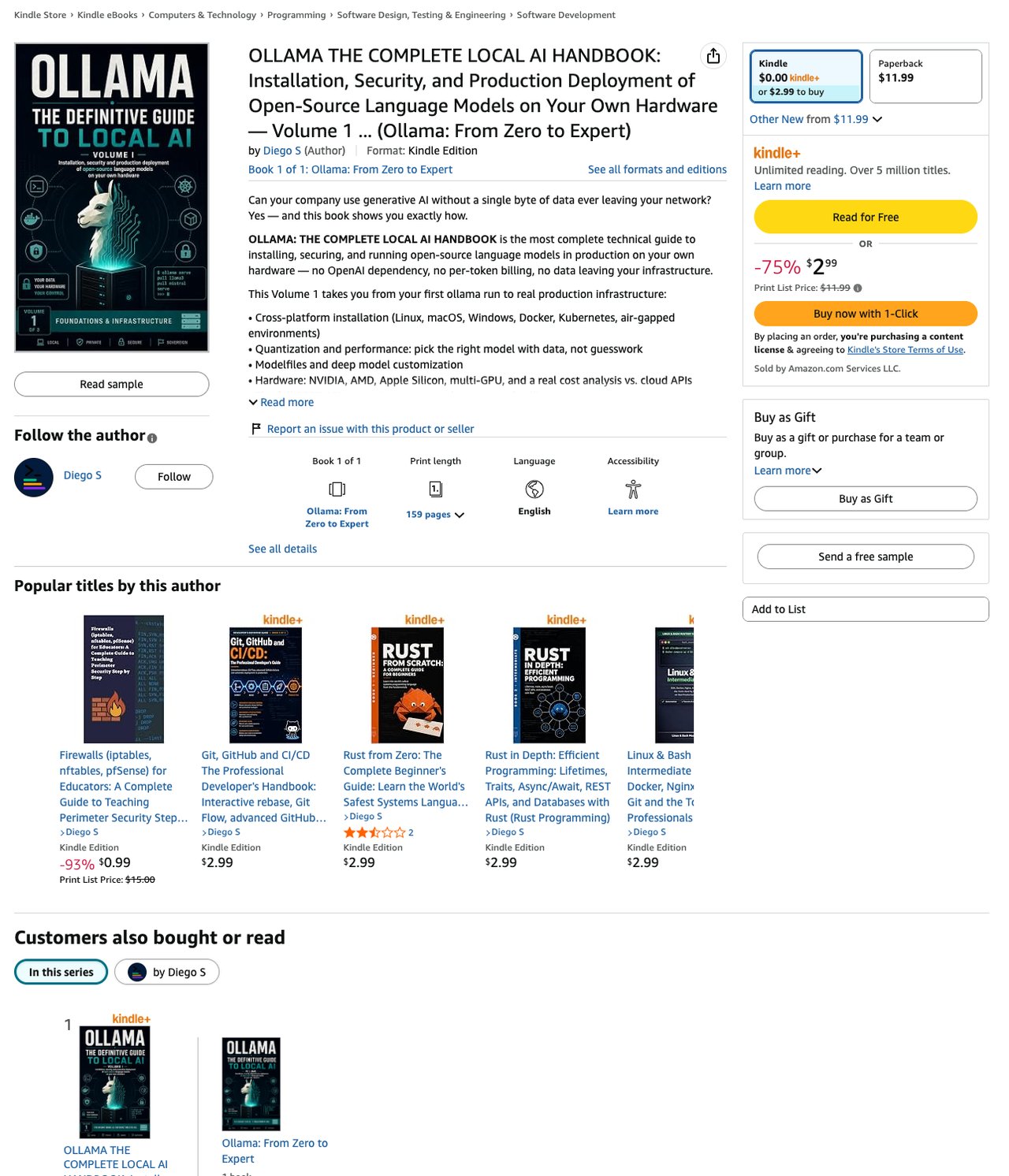
Diego S's Volume 1 is about running Ollama on servers, starting with its install line: "Cross-platform installation (Linux, macOS, Windows, Docker, Kubernetes, air-gapped environments)."
Three more jobs are clear. Hardware: "NVIDIA, AMD, Apple Silicon, multi-GPU, and a real cost analysis vs. cloud APIs." Modelfiles: "Modelfiles and deep model customization." Apps: "The full REST API: streaming, structured output, tool calling." Speed gets half a point for "Quantization and performance: pick the right model with data, not guesswork," one line with no technique. The cost analysis compares local with cloud, not one engine with another, so measured tests also get half a point.
The production side is the reason to buy it: "Real CI/CD: Terraform, Ansible, canary deployments, load testing" and "3 complete end-to-end projects, including what breaks in production and how to fix it." At $2.99 or free on Kindle Unlimited it is the lowest-priced book of the eight, tied with its own Spanish edition and two other first-page books. A Spanish edition with the same list is also on the shelf.
Best suited for: someone deploying Ollama on servers, including machines with no internet. Its page promises speed tuning in one line only.
8. Local LLM Setup, best for learning the hardware requirements before the install
At a glance: 1 of 2 speed jobs · 5 of 6 jobs · $5.00 or free on Kindle Unlimited · 580 pages · no ratings shown · See it on Amazon
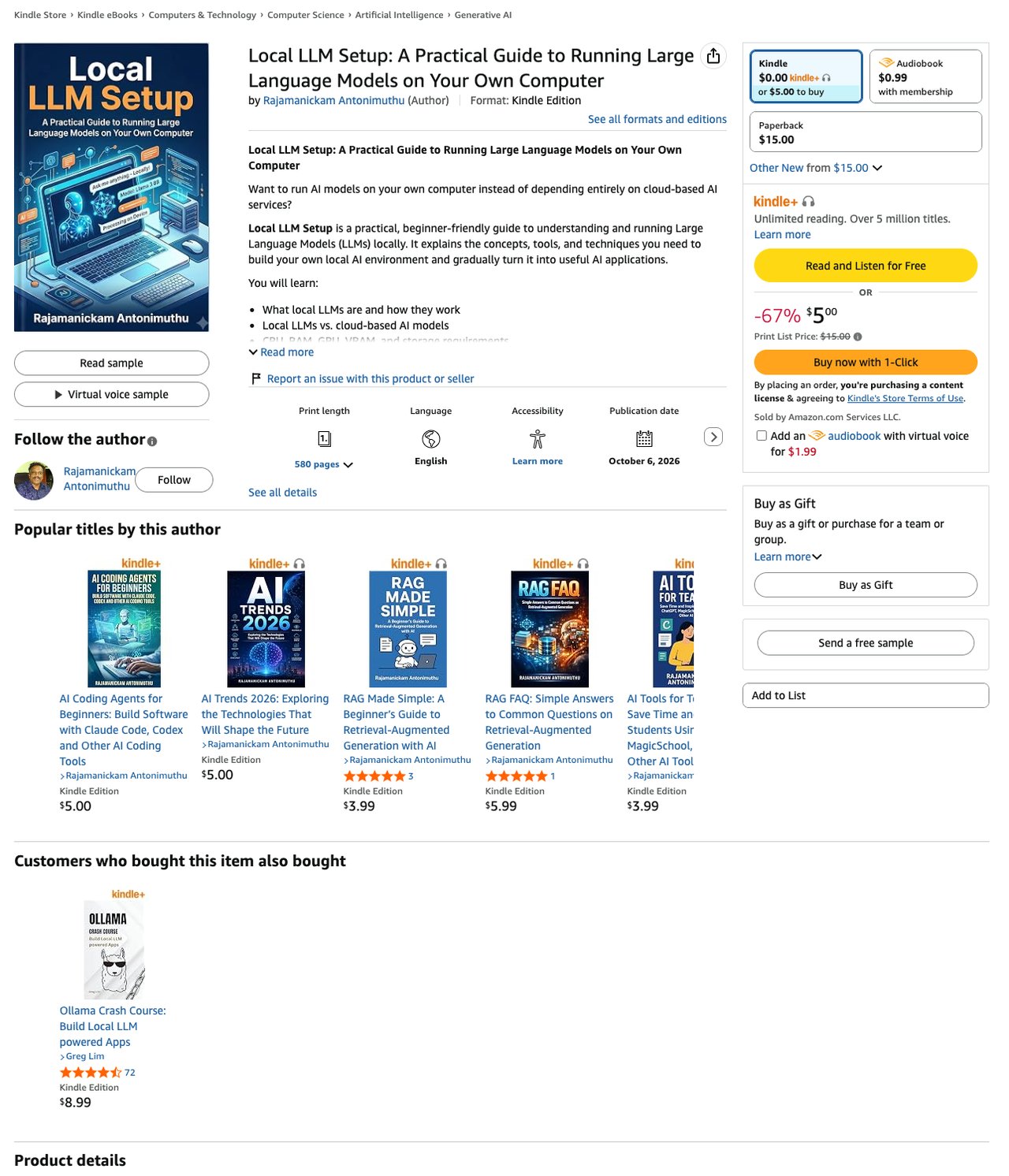
Rajamanickam Antonimuthu's page is a course outline, and its list reaches the hardware before it gets to the Ollama install: "CPU, RAM, GPU, VRAM, and storage requirements" and "How quantization reduces model memory requirements."
Four jobs are clear: "How to choose an appropriate local LLM," "How to install and use Ollama," "Creating customized models with Ollama" and "Building a local Retrieval-Augmented Generation (RAG) application." Speed gets half a point for "Improving local LLM performance," one line in a long list, and measured tests get half a point for "Evaluating local LLM quality and performance."
It ties entries 6 and 7 on both scores. It ranks behind Ollama Engineering because its speed line is a hint where that one is a clear promise, and behind entry 7 on price. At 580 pages it is long for a setup guide. It was published 23 days before we checked, at $5.00 or free on Kindle Unlimited, with a $15.00 paperback and a virtual-voice audiobook.
Best suited for: a beginner who wants to understand the hardware before buying or downloading anything. Expect a long read.
Side-by-Side Comparison
The ranking criteria, one row per book, as shown on each product page. Speed jobs counts speed tuning plus measured tests; jobs covered counts all 6 jobs named in the methodology, read from the description.
| Book | Best for | Kindle price | Kindle Unlimited | Pages | Rating (count) | Speed jobs (of 2) | Jobs covered (of 6) |
|---|---|---|---|---|---|---|---|
| Master Ollama - The Speed Playbook | Fix slow, measure it | $12.99 | No | 238 | None shown | 2 | 4.5 |
| OLLAMA PROJECTS HANDBOOK | Biggest project book | $12.99 | Yes | 795 | None shown | 1.5 | 5 |
| Mastering Ollama: Run, Optimize, and Deploy | GPU optimization, rated | $8.50 | No | 264 | 5.0 (4) | 1.5 | 4 |
| Mastering Ollama: Ship 5 Real Projects in 30 Days | Speed check, then projects | $6.99 | No | 231 | None shown | 1.5 | 3.5 |
| Ollama LLM AI Playbook | Spec sheets, plain English | $5.00 | Yes | 154 | None shown | 1 | 5 |
| Ollama Engineering | Context and memory tuning | $8.11 | No | 431 | None shown | 1 | 5 |
| OLLAMA THE COMPLETE LOCAL AI HANDBOOK | Production, air-gapped | $2.99 | Yes | 159 | None shown | 1 | 5 |
| Local LLM Setup | Hardware before the install | $5.00 | Yes | 580 | None shown | 1 | 5 |
Prices, ratings and page counts as shown on the day we checked. Also opened, not listed (ranked below entry 8 by the same rules, except the Spanish edition noted last; listed by jobs covered, ties in no set order): Ollama & Local AI ($7.00, 4.5 on 2, 146 pages; 1 speed job, 4 jobs, LoRA fine-tuning and GGUF conversion), Ollama in Practice: Foundations & Essentials ($6.99, 106 pages; 4 jobs), Ollama: Run the AI Models You Choose on Your Own PC ($12.99 or Kindle Unlimited, 450 pages; 4 jobs, Windows first), Ollama Crash Course ($8.99 or Kindle Unlimited, 4.5 on 72, 103 pages; 3.5 jobs, the most-rated book we opened), Ollama Projects for Beginners ($8.99 or Kindle Unlimited, 413 pages; 3.5 jobs, 12 projects), Mastering LLaMA & Ollama for Developers ($7.99, 162 pages; 3 jobs, the #1 result for "ollama"), Ollama in Action - Run Private, Multimodal AI ($20.00, 101 pages; 3 jobs, project files included), Ollama for Private Local AI Applications ($9.67 or Kindle Unlimited, 680 pages; 3 jobs), Ollama in Action by Leon Chapman ($6.00, 5.0 on 6, 359 pages; 2.5 jobs, four LangChain apps), Local LLM Engineering with Ollama ($2.99 or Kindle Unlimited, 184 pages; 2 jobs), Ollama for Developers ($6.99, 452 pages; 2 jobs), Ollama GPT-OSS Guide ($9.90, 112 pages; 2 jobs), Ollama for Teams ($9.99, 279 pages; 2 jobs, Modelfiles under version control), Private AI with Ollama ($6.99, 202 pages; 2 jobs, Open WebUI and agents), Ollama in Practice: Applications & Advanced Techniques ($6.99, 136 pages; 1.5 jobs) and the Spanish OLLAMA LA GUÍA DEFINITIVA DE IA LOCAL, Volumen 2 ($2.99 or Kindle Unlimited, 274 pages; 1 job, RAG and agents). The Spanish edition of entry 7, OLLAMA LA GUÍA DEFINITIVA DE IA LOCAL, Volumen 1 ($2.99 or Kindle Unlimited, 170 pages), scores the same as entry 7 and is not listed twice. Two more are by the author of this guide and are left out of the ranking: Ship Local AI with Ollama ($12.99, 4.0 on 1, 281 pages; install, a hardware profile and five projects with a companion repo, Book 1 of the same series as our pick) and Run Claude Code Locally ($12.99, 177 pages; Claude Code, Codex and OpenCode on a local model, not on either first page).
Which Ollama Book Fits Your Use Case
The right book depends on where you are stuck: getting Ollama installed, building something on it, or making what you have run faster.
| If you | Pick | Why |
|---|---|---|
| Have it installed and it is slow | Master Ollama - The Speed Playbook | Bottleneck checks, engine test, free repo |
| Want one long book of Python projects | OLLAMA PROJECTS HANDBOOK | 795 pages, FastAPI, RAG, Docker |
| Want GPU tuning from a rated book | Mastering Ollama: Run, Optimize, and Deploy | 5.0 on 4, quantization, Kubernetes |
| Want projects on a 30-day schedule | Mastering Ollama: Ship 5 Real Projects in 30 Days | Ten-minute benchmark, five projects |
| Have not installed it yet | Ollama LLM AI Playbook | One-command install, RAG app, $5.00 |
| Need to tune memory and context | Ollama Engineering | Context, quantization, VRAM |
| Deploy to servers or offline networks | OLLAMA THE COMPLETE LOCAL AI HANDBOOK | Air-gapped install, CI/CD, $2.99 |
| Trust other readers' ratings most | Ollama Crash Course | 4.5 on 72, the most ratings |
What Results Look Like With the Book's Tests
The #1 pick shows no star rating to a signed-out visitor, so here is what we measured while researching this guide, on a 32 GB Apple M5 with Ollama 0.33.2 and llama3.2:3b. The first number is the output of the book's bench.sh script. The other two came from our own runs through the Ollama API, each sending the Chapter 3 benchmark prompt: once to the Chapter 7 Modelfile, with a short random tag added so Ollama's prompt cache would not skip it, and twice each with default settings and with num_gpu 0. They are lower than the Chapter 7 figure above, which is the book's own earlier run.
- The ten-prompt benchmark.
./bench.sh llama3.2:3bran the book's ten built-in prompts and printedAverage: 51.7 tok/s (3896 total tokens), with a low of 49.8 and a high of 52.7.ollama psshowed100% GPU. - The spill test. Chapter 7's Modelfile puts only 10 layers on the GPU.
ollama psprinted64%/36% CPU/GPU, and generation dropped to 38.1 tok/s in one run, against 49.2 and 50.0 for the Chapter 3 prompt with every layer on the GPU. - Everything on the CPU. Forcing every layer onto the CPU with
num_gpu 0gave 30.2 and 31.7 tok/s on two runs, andollama psprinted100% CPU.
The full walkthroughs are in our guides to why Ollama is slow, how much VRAM a local LLM needs, Ollama vs llama.cpp, Modelfiles that beat the defaults and fitting a 26B model on a 16GB GPU.
Get Master Ollama - The Speed Playbook
You installed Ollama, and the book starts at the slow answer that came next. It walks the speed checks in order, starting with the CPU spill that ollama ps shows in one line. It shows you how to estimate whether a model fits your memory before you download it. It gives you a same-model test of Ollama and llama.cpp, with LM Studio as an optional third, so you can settle the engine question on your own machine. The free companion repo has the benchmark script, the prompt suite and ready-to-adapt Modelfiles, so your first measurement runs tonight. Get Master Ollama - The Speed Playbook on Amazon.
Frequently Asked Questions
What is the best book on Ollama?+
To make an Ollama install fast and prove it with your own numbers, Master Ollama - The Speed Playbook, the only one of the 26 first-page books whose page clearly promises a head-to-head test of Ollama, llama.cpp and LM Studio. To build apps and tune speed in one long book, OLLAMA PROJECTS HANDBOOK, at 795 pages. For the most reader ratings, Ollama Crash Course, at 4.5 stars on 72.
What is the best Ollama book for beginners?+
Ollama LLM AI Playbook's page promises a one-command install, reading model spec sheets, Modelfiles and a RAG app in 154 pages, at $5.00 or free on Kindle Unlimited. Ollama Crash Course is the most-rated book on the page, at 4.5 stars on 72 ratings, and its chapter list puts setup in Chapter 2, right after the introduction.
Why is Ollama so slow on my computer?+
The first thing to check is whether the model fits in GPU memory, because a model that does not fit runs partly on the CPU. Run ollama ps and read the PROCESSOR column: 100% GPU is good, and a split like 64%/36% CPU/GPU is the problem. Our top pick's Chapter 7 walks through the checks in order.
How much do Ollama books cost?+
On the day we checked, Kindle prices ran from $2.99 to $20.00 across the 26 first-page books. 11 of the 26 were free on Kindle Unlimited; our top pick was $12.99 and not on Kindle Unlimited.
Which Ollama books compare Ollama with llama.cpp?+
Of the 26 first-page books, only our top pick's page clearly promises it: Ollama, llama.cpp and LM Studio on the same model and workload. Eight other pages give measured tests a hint, such as a benchmark or evaluation line, a model comparison or a local-versus-cloud cost comparison, with no engine head-to-head.
How many Ollama books are on Amazon?+
Amazon showed 100 Kindle results for ollama and 98 for ollama local llm on the day we checked. 5 of the 26 first-page books we opened showed a star rating, and the most-rated had 72 ratings.
What should an Ollama book teach after the install?+
How to tell whether your model fits your memory, which settings slow it down, and how to measure tokens per second before and after a change. 21 of the 24 books by other authors clearly promise app projects, while 6 clearly promise speed tuning.