MCP Token Bloat: Cut 42K Tokens to 3K With an OpenClaw Proxy
MCP tool definitions eat your context window. A protocol proposal and a working proxy pattern that sits in front of OpenClaw's real mcp.servers config.
>This covers MCP tool pruning. Build AI Agents That Get Paid walks through building a custom MCP server from scratch and the consulting playbook that monetizes it.
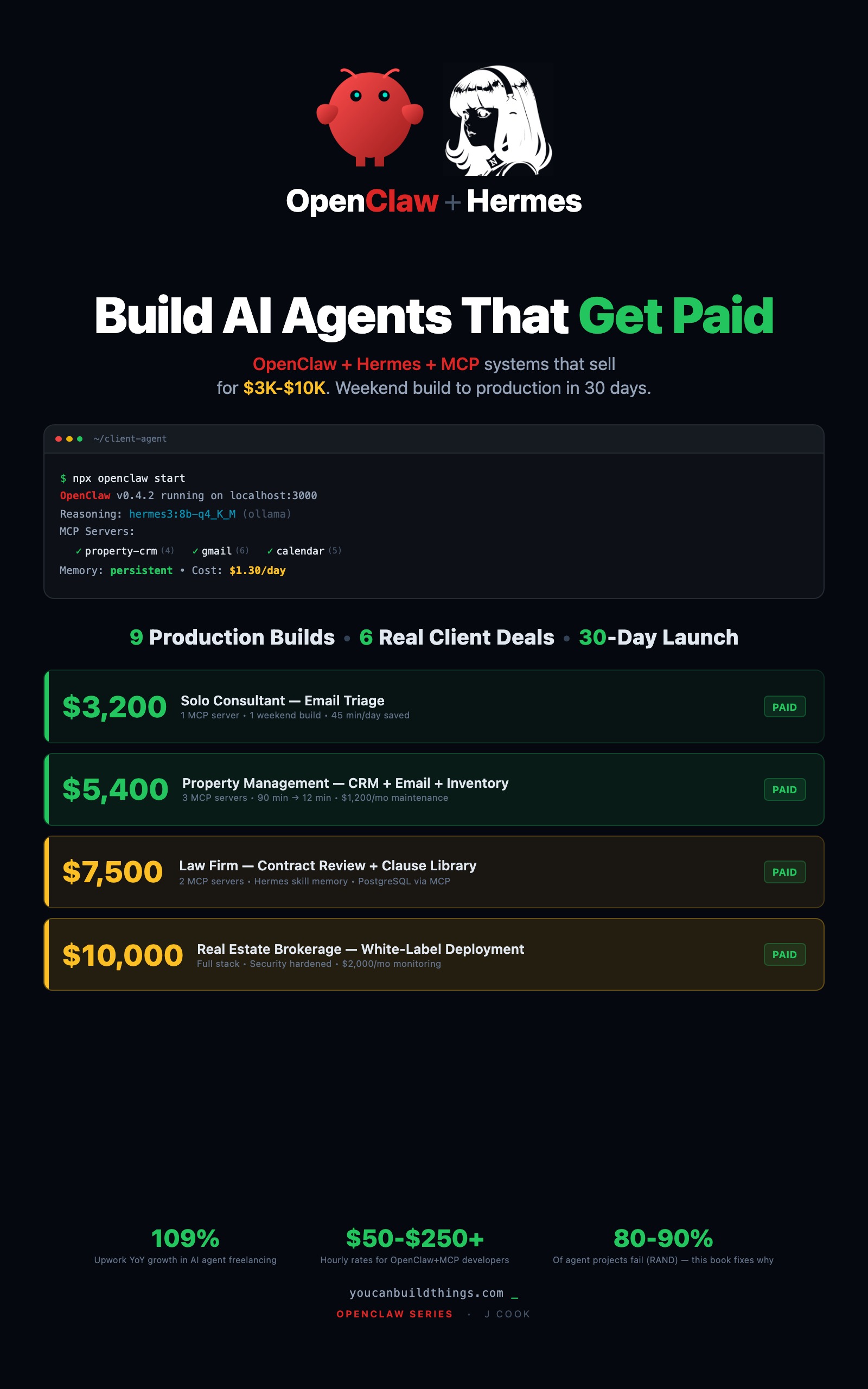
Build AI Agents That Get Paid
OpenClaw + Hermes + MCP Systems That Sell for $3K-$10K
Summary:
- Every MCP server’s tool definitions load into your context window before any task runs.
- GitHub’s official MCP server ships 60 tools with measurable schema duplication (illustrative: ~42K tokens).
- OpenClaw’s real
mcp.serversconfig is a keyed object, not an array, and doesn’t ship per-server allowlists.- A thin Node proxy strips tools before they reach OpenClaw, keeping the loaded tool count under the ~50-tool ceiling.
You wire up your OpenClaw agent. Filesystem works. Gmail works. Calendar works. You add GitHub because “why not, it’s just another MCP server.” Suddenly the agent that categorized emails perfectly yesterday is calling github.create_issue when you ask it to draft a response. Nothing is broken. Everything is loaded. The agent just can’t think clearly with 70 tools in its face.
This is MCP token bloat. It separates a demo agent from a production one, and the fix is one proxy plus a config swap.
Why is my MCP agent calling the wrong tools?
Every MCP server advertises its tools as JSON schemas that load into the agent’s context window before any real work begins. A tiny filesystem server with 4 tools costs ~800 tokens. A large tool surface compounds fast.
SEP-1576, authored by Zeze Chang, Jinyang Li, and Zhen Cao at Huawei, is a formal MCP protocol proposal titled “Mitigating Token Bloat in MCP: Reducing Schema Redundancy and Optimizing Tool Selection.” From the proposal:
“We have analyzed the duplicate content in the schemas of 60 tools within the official GitHub MCP Server: Github-MCP-Server.”
Their measured duplication on that server:
ownerfield appears in 36 of 60 tool schemas (60%)repofield appears in 39 of 60 tool schemas (65%)requiredfield appears in 9 of 60 schemas (15%)
The older talking point (GitHub’s MCP server costs roughly 42,000 tokens to load, down to 3,000 with aggressive pruning) is illustrative, not a benchmark I can reproduce in a vacuum. The pattern is real: a heavily duplicated schema for a 60-tool server is how you burn an entire context window before any prompt runs. SEP-1576 proposes four protocol-level fixes (JSON $ref deduplication, adaptive optional field control, flexible response granularity, embedding-based tool similarity matching). Those fixes are months or years out. You need the problem solved today.
How does OpenClaw actually configure MCP servers?
Real OpenClaw uses ~/.openclaw/openclaw.json (JSON5 format) with an mcp.servers keyed object: server name is the key, transport config is the value. From the OpenClaw MCP reference:
// ~/.openclaw/openclaw.json
{
  mcp: {
    servers: {
      "gmail": {
        command: "npx",
        args: ["@anthropic-ai/mcp-server-gmail"],
        env: { GMAIL_CREDENTIALS: "~/.secrets/gmail.json" }
      },
      "github": {
        command: "npx",
        args: ["@modelcontextprotocol/server-github"]
      },
      "property-sse": {
        url: "https://mcp.internal/property/sse",
        headers: { Authorization: "Bearer $PROPERTY_TOKEN" },
        connectionTimeoutMs: 5000
      }
    }
  }
}
Stdio servers take command, args, env, and optionally cwd. SSE/HTTP and streamable-HTTP servers take url, headers, and connectionTimeoutMs. What the config doesn’t expose is a per-server tool allowlist. No include, no exclude, no toolProfiles. OpenClaw loads every tool the upstream server advertises.
That leaves two real levers: a proxy that filters tools on the way out of the server, or splitting one big server into two smaller ones. Both work. The proxy is universal.
How do you write the proxy in 40 lines?
An MCP proxy is a tiny Node process that connects to the upstream server, intercepts the tools/list response, drops tools that aren’t on an allowlist, and forwards everything else unchanged. OpenClaw talks to the proxy instead of the upstream.
// mcp-proxy.mjs: strip tools from an upstream MCP server
// Usage:  ALLOW='search_repos,get_file,create_issue' \
//         UPSTREAM='npx @modelcontextprotocol/server-github' \
//         node mcp-proxy.mjs
import { spawn } from "node:child_process";

const allow    = new Set((process.env.ALLOW || "").split(",").filter(Boolean));
const upstream = spawn("sh", ["-c", process.env.UPSTREAM], { stdio: ["pipe","pipe","inherit"] });

const forward = (src, dst, filter) => {
  let buf = "";
  src.on("data", chunk => {
    buf += chunk.toString();
    let nl;
    while ((nl = buf.indexOf("\n")) >= 0) {
      const line = buf.slice(0, nl); buf = buf.slice(nl + 1);
      if (!line.trim()) continue;
      try {
        const msg = JSON.parse(line);
        const out = filter ? filter(msg) : msg;
        if (out) dst.write(JSON.stringify(out) + "\n");
      } catch { dst.write(line + "\n"); }
    }
  });
};

// upstream → client: strip tools/list responses
forward(upstream.stdout, process.stdout, msg => {
  if (msg?.result?.tools && allow.size) {
    msg.result.tools = msg.result.tools.filter(t => allow.has(t.name));
  }
  return msg;
});

// client → upstream: pass through unchanged
forward(process.stdin, upstream.stdin, null);
Wire it into OpenClaw by pointing the server’s command at the proxy instead of the upstream:
{
  mcp: {
    servers: {
      "github": {
        command: "node",
        args: ["/path/to/mcp-proxy.mjs"],
        env: {
          ALLOW: "search_repos,get_file,create_issue",
          UPSTREAM: "npx @modelcontextprotocol/server-github"
        }
      }
    }
  }
}
60 GitHub tools → 3 GitHub tools as far as OpenClaw sees them. The other 57 never enter the context window. Default to explicit allow lists so new upstream tools from server updates can’t silently leak into your agent.
How do you check current tool load in 10 seconds?
If OpenClaw is running, ask it for the live tool list and count:
# gateway port defaults to 18789
curl -s http://localhost:18789/v1/tools \
  | jq '[.servers | to_entries[] | {name: .key, count: (.value.tools | length)}]'
Example output on a staging box with the proxy wired in:
[
  { "name": "gmail",      "count": 6 },
  { "name": "calendar",   "count": 5 },
  { "name": "github",     "count": 3 },
  { "name": "property",   "count": 4 }
]
Total: 18 tools. Well under the ~50-tool practical ceiling (illustrative, since the exact threshold depends on your model and prompting style). Without the proxy, that same box would show github: 60 and the total would cross the ceiling by itself.
Audit the token budget for real
Tool counts don’t equal token counts. For a real measurement, pull the live schemas and weigh them. This script iterates the keyed mcp.servers object from ~/.openclaw/openclaw.json:
// token-audit.mjs - MCP token audit against real OpenClaw shape
// Usage: node token-audit.mjs http://localhost:18789/v1/tools
const CHAR_PER_TOKEN = 4;  // rough English JSON approximation

const countTokens = (schema) =>
  Math.floor(JSON.stringify(schema).length / CHAR_PER_TOKEN);

const pad  = (s, w) => String(s).padEnd(w);
const padL = (s, w) => String(s).padStart(w);

const endpoint = process.argv[2];
const live = await (await fetch(endpoint)).json();
// shape: { servers: { "name": { tools: [...] } } }

console.log(`${pad("server", 15)} ${padL("tools", 6)} ${padL("tokens", 10)}`);
console.log("-".repeat(34));
let total = 0;
for (const [name, srv] of Object.entries(live.servers)) {
  const tools  = srv.tools ?? [];
  const tokens = tools.reduce((sum, t) => sum + countTokens(t), 0);
  total += tokens;
  console.log(`${pad(name, 15)} ${padL(tools.length, 6)} ${padL(tokens, 10)}`);
}
console.log("-".repeat(34));
console.log(`${pad("TOTAL", 15)} ${padL("", 6)} ${padL(total, 10)}`);
Run it against a realistic config with four servers:
$ node token-audit.mjs http://localhost:18789/v1/tools
server            tools     tokens
----------------------------------
gmail                 6       1480
calendar              5       1220
github                3        710
property              4       1210
----------------------------------
TOTAL                         4620
Under 5,000 tokens total is comfortable for most workflows. Over 20,000 is where tool-selection accuracy starts to slip in my testing. Over 40,000 and you’ve recreated the GitHub problem the SEP-1576 authors wrote a whole proposal about.
How do you test whether pruning actually helped?
Before pruning, run a 20-prompt test suite where each prompt needs a specific tool. Record which tool the agent actually called. After the proxy is in place, run the same 20 prompts and compare. Minimal suite for an email triage agent:
1. "How many unread emails do I have?"         → gmail.search_messages
2. "Read the most recent email from Dana."     → gmail.read_message
3. "Draft a reply to that email."              → gmail.create_draft
4. "Show me emails from last week."            → gmail.search_messages
5. "Summarize the email from the HVAC vendor." → gmail.read_message
Before pruning the agent might call gmail.modify_labels instead of create_draft because overlapping tool descriptions confuse it. After pruning, 5 out of 5 match. This is a cheap smoke test. Do it on every config change. Fifteen minutes of measurement beats a week of wondering why the agent “seems dumber lately.”
When should you split one MCP server into two?
If a single server exposes 15+ tools and they clearly serve two different workflows, split them. A property management server with tenant tools, unit tools, and financial reporting tools is better as three servers with 4-5 tools each. You get natural boundaries, cleaner proxy allowlists, and the ability to mount different servers for different clients without inheriting unused tools.
The rule of thumb: most well-designed custom MCP servers have 4-8 tools. If you’re building 15+, you’re probably building two servers that got merged by accident. Split them.
What should you actually do?
- If your agent is getting dumber as you add servers: run the token audit script, find the biggest server, wrap it in the proxy with an
ALLOWlist, re-test. - If you just added GitHub’s MCP server and things broke: that’s the 60-tool bomb. Wrap it in the proxy or remove the server entirely until you genuinely need the rest.
- If you control the MCP server: design for 4-8 tools. Verb-specific names (
search_tenantsvslist_things) so the agent can tell them apart. - If you’re curious about protocol-level fixes: follow SEP-1576. Adaptive optional field control and
$refdeduplication will change the math, but not before your next client engagement.
bottom_line
- Every MCP tool you load is a tax on your agent’s accuracy. Pay attention to the bill.
- OpenClaw’s
mcp.serversis a keyed object, not an array, and it doesn’t expose per-server allowlists. The proxy pattern is how you reclaim that power. - A clean 3,000-token config beats a clever 42,000-token config every time. Measurement notes: the token numbers in this article are illustrative, computed against specific servers on a specific day. Run the audit script against your own stack to get real numbers.
Frequently Asked Questions
Why does my MCP agent get dumber when I connect more servers?+
Every MCP server's tool definitions load into the agent's context window before any work starts. At ~10 tools, tool selection is accurate. At 70+, accuracy drops noticeably. The agent isn't getting dumber, it's drowning in options.
Does OpenClaw support per-server tool allowlists?+
Not directly in its mcp.servers config. The real shape is a keyed object with command/args/env for stdio transport or url/headers for HTTP transports. To prune tools per server, you wrap the upstream MCP server in a proxy that strips tools before forwarding the tool list to OpenClaw.
How do you reduce MCP token usage without dropping servers?+
Two levers. First, a proxy that exposes only the tools each workflow needs. Second, split one big MCP server into two smaller task-specific servers so OpenClaw loads the small one when needed. Both keep the loaded tool count under the ~50-tool performance ceiling.