How to Create a Claude Code Skill in 10 Minutes
How to create a Claude Code skill the right way: a directory with a SKILL.md and a description field, not a flat .md file. Full code and a 4-check fix path.
>This covers your first skill. Claude Code Skills: The SKILL.md Playbook goes deeper on scaling to 50+ skills, hooks, and self-improvement workflows.
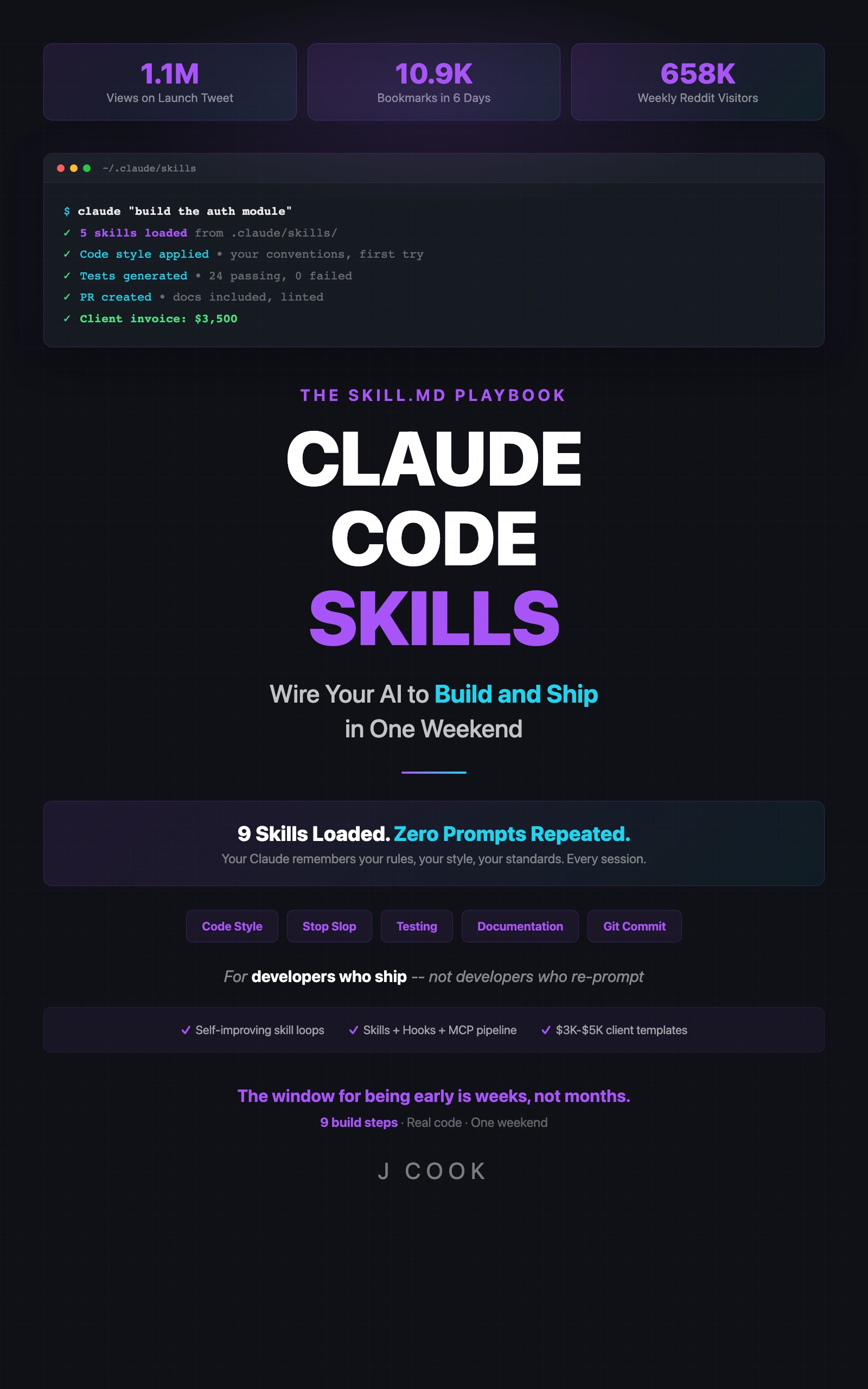
Claude Code Skills
The SKILL.md Playbook: Wire Your AI to Build and Ship in One Weekend
Summary:
- The correct skill structure: a directory containing a SKILL.md, not a flat markdown file.
- A complete copy-paste code-style skill with the frontmatter Claude actually reads.
- Before/after proof: six concrete output changes from one file.
- A 4-check fix path for when the skill loads but does nothing.
Most tutorials teach how to create Claude Code skill files the wrong way: drop a code-style.md file into .claude/skills/, restart, watch nothing happen, give up. That flat-file pattern is the old slash-command convention, not a skill. A skill is a directory with a SKILL.md inside it. Get that one detail right and Claude starts following your rules without you typing them every session.
Where do Claude Code skills actually live?
A skill lives at .claude/skills/<skill-name>/SKILL.md: a folder per skill, with a required file named exactly SKILL.md inside. A skill is a persistent set of behavioral instructions Claude reads before your conversation starts, so your code-style rules survive across every session instead of dying when you close the chat. That persistence is the entire point: prompts reset, skills don’t.
Here is the structure on disk:
your-project/
  .claude/
    skills/
      code-style/
        SKILL.md
      testing/
        SKILL.md
If .claude/skills/ doesn’t exist, create it. Claude won’t make it for you:
mkdir -p .claude/skills/code-styleThe official Claude Code docs show the same shape. A skill directory can hold more than just the entrypoint:
my-skill/
├── SKILL.md           # Main instructions (required)
├── examples/
│   └── sample.md      # Example output
└── scripts/
    └── validate.sh    # Script Claude can execute
Per the Claude Code skills docs: “The SKILL.md contains the main instructions and is required. Other files are optional.” Skills resolve from ~/.claude/skills/<name>/SKILL.md (personal) and .claude/skills/<name>/SKILL.md (project). The flat file most tutorials show you isn’t in that list.
What goes inside SKILL.md?
A SKILL.md has two parts: YAML frontmatter between --- markers, then a markdown body. The load-bearing field is description: in the frontmatter: it is the only thing Claude reads to decide whether to invoke the skill for your current task. No description:, no auto-invocation, no matter how good the body is.
Here’s a real skill from Anthropic’s own anthropics/skills repo, showing the frontmatter-plus-body shape (the typo is theirs, kept verbatim):
---
name: webapp-testing
description: Toolkit for interacting with and testing local web applications using Playwright. Supports verifying frontend functionality, debugging UI behavior, capturing browser screenshots, and viewing browser logs.
license: Complete terms in LICENSE.txt
---

# Web Application Testing

To test local web applications, write native Python Playwright scripts.
Notice the description: does real work. It names exactly when the skill applies. That specificity is what makes Claude fire it at the right moment and leave it dormant otherwise.
Build your first skill (the 10-minute version)
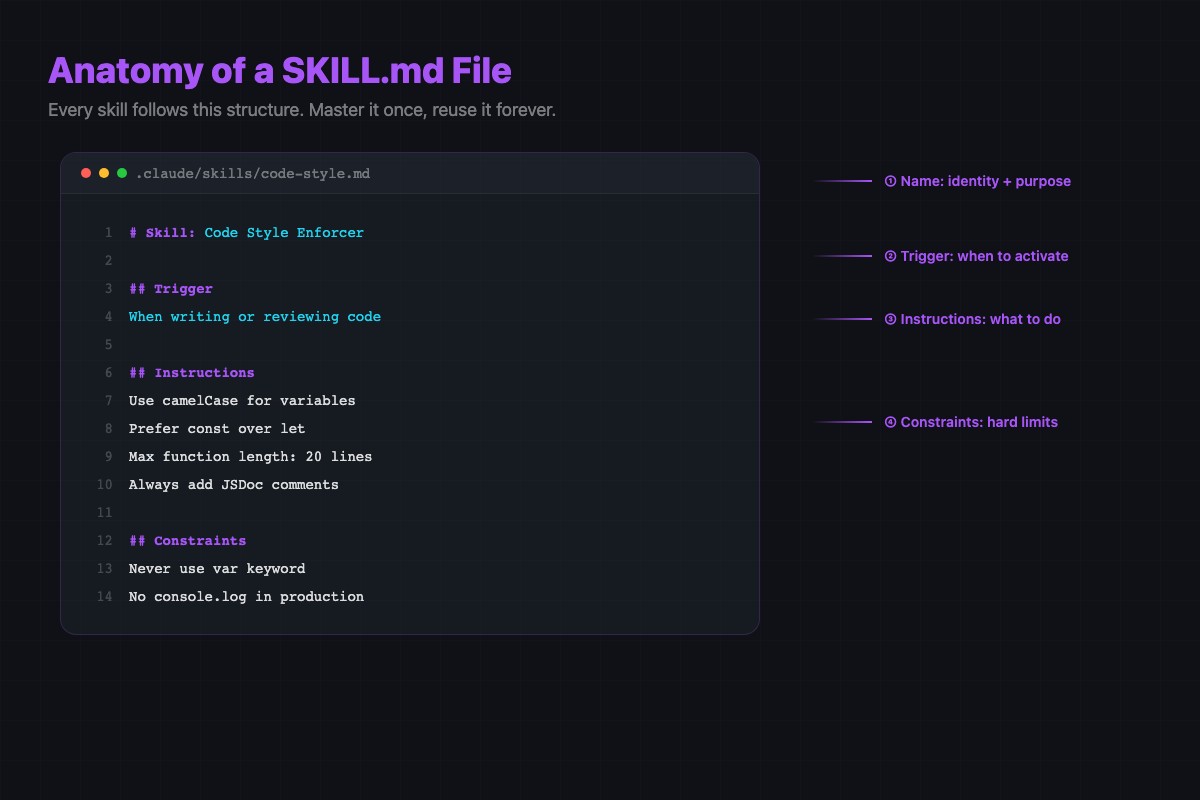
Start with code style. You already know what your code should look like, so you’ll notice instantly whether it worked. Create the directory, then .claude/skills/code-style/SKILL.md:
---
name: code-style
description: Use this skill when writing or editing TypeScript source files in this project. Enforces named exports, typed params, Zod input validation, no semicolons, and kebab-case import paths.
---

# Code Style

## Instructions
- Use named exports, never `export default`
- Every function parameter must be typed. Never use `any`; use `unknown`
- Validate external input with a Zod schema before use
- No semicolons
- Import paths use kebab-case: `./user-service`, not `./UserService`
- Use arrow functions for module-level functions

## Example
Bad:
  import UserService from "./UserService"
  export default async function getUser(id: any) { ... }

Good:
  import { userService } from './user-service'
  const userIdSchema = z.string()
  export const getUser = async (id: string) => { ... }
About 20 lines. The description: is one specific sentence. The body is binary rules Claude can follow with near-perfect accuracy, plus one before/after example as a pattern anchor.
Prove it changed Claude’s behavior
Save the file. In Claude Code, ask: “Write a function that fetches a user by ID.” Without the skill, vanilla Claude produces something like:
import UserService from "./UserService"

export default async function getUser(id: any) {
  return await UserService.findById(id)
}
With the code-style skill loaded, the same request produces:
import { userService } from './user-service'

const userIdSchema = z.string()

export const getUser = async (id: string) => {
  const userId = userIdSchema.parse(id)
  return userService.findById(userId)
}
Six visible rule changes from one file. Default export becomes a named export. The untyped any param becomes a typed id: string. Zod input validation gets added where there was none. The PascalCase ./UserService import becomes kebab-case ./user-service. That’s the proof that a skill changes output, not just prompting harder.
What broke (and the 4-check fix path)
The most common failure: the skill loads but Claude’s output doesn’t change at all. Walk these four checks in order. About 70% of failures resolve at check 1 or 2.
- Is it a directory with a
SKILL.mdinside? Runls -la .claude/skills/. Each entry must be a directory, not a flat.mdfile. Thenls .claude/skills/code-style/should showSKILL.md. If you seecode-style.md, that’s the old slash-command pattern. Convert it tocode-style/SKILL.md. - Does the
SKILL.mdhave adescription:field? Runhead -5 .claude/skills/code-style/SKILL.md. Nodescription:means Claude loaded the skill into metadata but has nothing to match against, so it never invokes it. - Is the filename exactly
SKILL.md? Capital S-K-I-L-L, dot, lowercasemd. NotSkill.md, notSKILL.md.txt. Some editors and macOS Finder hide the real extension; check from a terminal. - Override collision. If a personal skill at
~/.claude/skills/code-style/SKILL.mdshares a name with your project one, the personal one wins. The precedence is enterprise > personal > project, which is the opposite of what most people guess. Rename one or accept the personal version is what’s loading.
You do NOT need to restart Claude Code. Live change detection picks up new skills inside the current session within seconds. The only exception: if .claude/skills/ didn’t exist when the session started and you just created it, you need a fresh session for Claude to start watching it.
What should you actually do?
- If you’ve never built a skill: do exactly the code-style skill above. Ten minutes, one file, immediate visible change.
- If your skill isn’t working: run the 4-check path. Don’t rewrite the body first. The failure is almost always structure (flat file) or a missing
description:. - If it works and you want more: keep each skill one concern, under 40 lines, in version control (
git add .claude/skills/). Then stack the five starter skills every developer needs.
bottom_line
- A skill is a directory with a
SKILL.md, not a flat markdown file. Every “skills don’t work” thread traces back to this or a missingdescription:. - Specific, binary rules with one example beat ten vague guidelines. If you can’t check the rule with a yes/no question, Claude can’t follow it reliably.
- The moment Claude writes code that follows your rules without being asked is the moment you stop being a Claude user and start being a Claude architect.
Frequently Asked Questions
Where do Claude Code skills go?+
Each skill is a directory under .claude/skills/ with a file named SKILL.md inside it. The path is .claude/skills/code-style/SKILL.md, not a flat .claude/skills/code-style.md file.
Do I have to restart Claude Code after creating a skill?+
No. Live change detection picks up new skills inside the current session. The only exception is creating the .claude/skills/ directory itself mid-session, which needs a fresh session.
Why does Claude ignore my skill even though it loaded?+
Almost always a missing description field in the YAML frontmatter. Without it Claude has nothing to match against and never auto-invokes the skill.