Claude Code Hooks Tutorial: Automate Code Review
A Claude Code hooks tutorial using the real settings.json schema: wire a PostToolUse hook to a review skill. No fictional git-event or blocking fields.
>This covers hooks. Claude Code Skills: The SKILL.md Playbook goes deeper on MCP servers and wiring skills, hooks, and MCP into one pipeline.
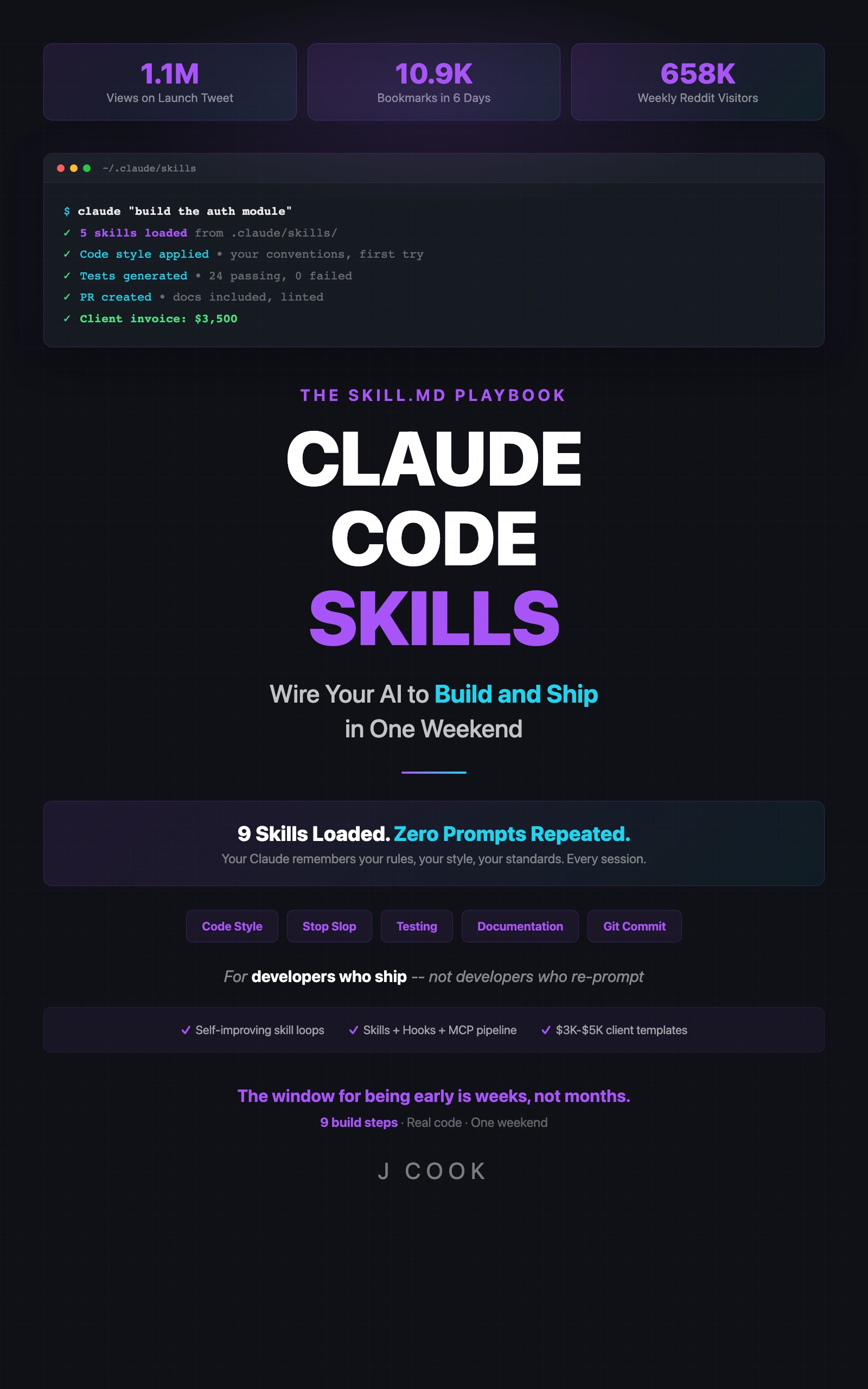
Claude Code Skills
The SKILL.md Playbook: Wire Your AI to Build and Ship in One Weekend
Summary:
- The real hooks schema lives in settings.json, not .claude/hooks/*.json files.
- A 13-line PreToolUse hook that blocks
rm -rfbefore Claude can run it.- A PostToolUse hook that auto-runs a code-review skill on edits.
- The real event names, from the official docs, and the fictional ones to delete.
Most every Claude Code hooks tutorial you’ll find online uses a schema that doesn’t exist: standalone .claude/hooks/review.json files, an options.blocking: true field, a git:pre-commit event. None of that is real. Hooks live in settings.json, the events are a fixed case-sensitive list, and a hook runs a shell command, not a skill. Get the schema right and you can make Claude review its own code automatically.
What is a Claude Code hook?
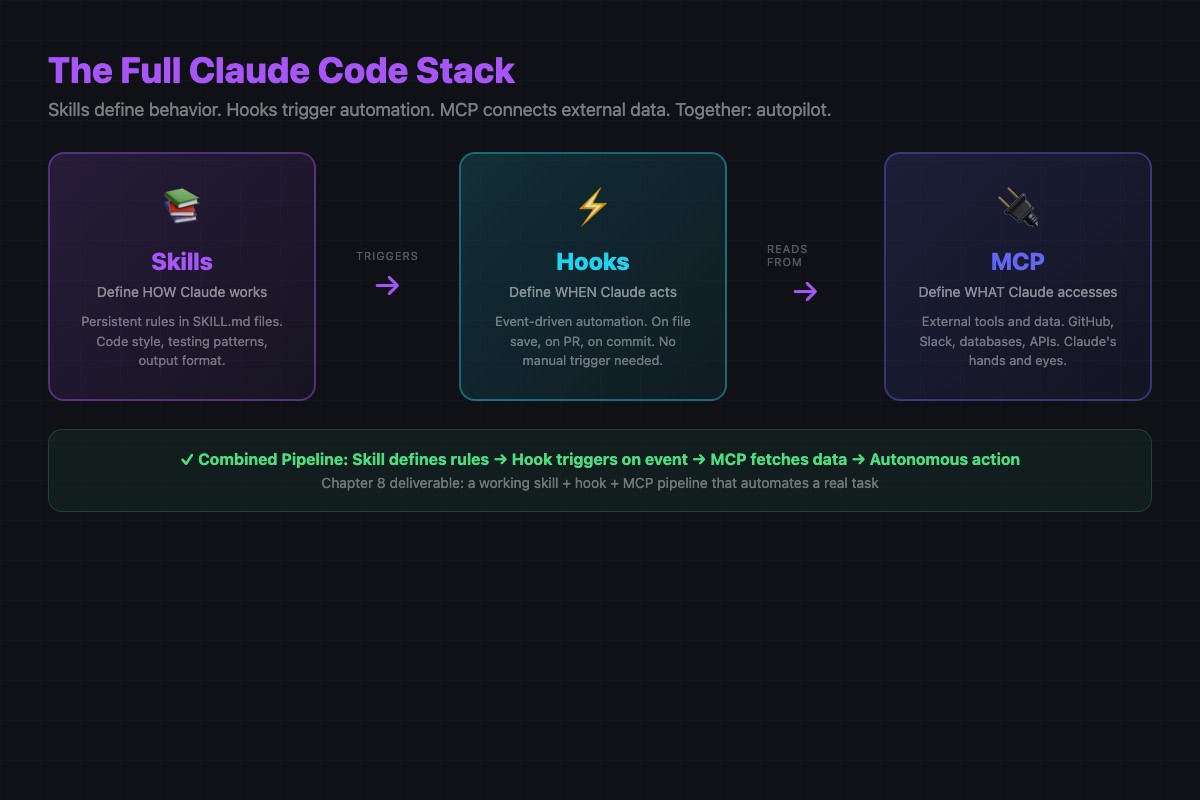
A Claude Code hook is a shell command that fires on a Claude Code event. Three layers stack here: skills are the brain (.claude/skills/<name>/SKILL.md, defines behavior), hooks are the reflexes (settings.json, fire commands on events), MCP servers are the hands (.mcp.json, external data). This tutorial wires the first two so a review runs without you asking.
Hook configuration goes in a hooks block in one of:
~/.claude/settings.json(all projects).claude/settings.json(this project, commit it).claude/settings.local.json(this project, gitignored)
Not .claude/hooks/review.json. The .claude/hooks/ directory is a convention for the shell scripts a hook shells out to, never for the hook config.
Hook 1: block rm -rf before Claude runs it
The most useful safety hook, and the smallest. In .claude/settings.json:
{
  "hooks": {
    "PreToolUse": [
      {
        "matcher": "Bash",
        "hooks": [
          {
            "type": "command",
            "if": "Bash(rm -rf *)",
            "command": "echo 'blocked: rm -rf is not allowed via Claude. Run it yourself if you really mean it.' >&2 && exit 1"
          }
        ]
      }
    ]
  }
}
Thirteen lines that stop Claude from nuking your home directory. When Claude is about to run a Bash tool whose command matches rm -rf *, the if predicate fires, the command exits non-zero, and the tool call is blocked. Claude sees the stderr message and stops. Note the schema: type is always "command", there is an optional if predicate, and a command. There is no action: block, no options.silent, no options.blocking. If a tutorial shows those, it’s wrong.
The real event list (from the docs)
Hooks fire on a fixed, case-sensitive set of events. From the official Claude Code hooks reference:
| Event | When it fires |
|---|---|
SessionStart | When a session begins or resumes |
UserPromptSubmit | When you submit a prompt, before Claude processes it |
PreToolUse | Before a tool call executes. Can block it |
PostToolUse | After a tool call succeeds |
PostToolUseFailure | After a tool call fails |
Stop | When Claude finishes responding |
PreCompact | Before context compaction |
SessionEnd | When a session ends |
For “react when Claude edits a file,” the event is PostToolUse matched against Edit|Write. file:save, git:pre-commit, and command:fail are not on the list. They never were. Claude Code hooks are not git hooks: if you want a literal git pre-commit, that lives in .git/hooks/pre-commit and is not a Claude Code feature.
Hook 2: auto-run a code-review skill on edits
Here’s the automation. When Claude edits a file in a sensitive directory, fire a review using a skill. First the skill at .claude/skills/code-review/SKILL.md:
---
name: code-review
description: Use this skill when reviewing code or diffs. Prioritizes bugs and security over style. One sentence per issue with a specific fix. Top-5 limit.
---

# Code Review
## Instructions
- Prioritize: bugs, security, performance, then API design
- State each issue in one sentence with a specific code fix
- Limit to 5 highest-priority items; no praise
Then the hook in .claude/settings.json:
{
  "hooks": {
    "PostToolUse": [
      {
        "matcher": "Edit|Write",
        "hooks": [
          {
            "type": "command",
            "if": "FilePath(src/security/**)",
            "command": "claude -p \"Review the staged changes to $CLAUDE_TOOL_FILE_PATH for security issues. Use the code-review skill. If clean, output: SECURITY-OK.\""
          }
        ]
      }
    ]
  }
}
This is how you “wire a hook to a skill.” Not via a fictional action.type: "skill". The hook command shells out to claude -p with a prompt that names the skill; the skill auto-invokes because its description: matches the prompt. The review prints to stdout and flows back into your active session.
What broke: hooks that silently never fire
Three failure points, in order of how often they bite:
- Wrong event name. Events are case-sensitive.
PreToolUse, notpretooluseorpreToolUse. The most common mistake is using one of the fictional events (file:save,git:pre-commit) copied from an old blog post. Confirm yours is in the docs list above. - Wrong location. Config goes in the
hooksblock ofsettings.json. A.claude/hooks/review.jsonfile is never read as hook config. - Predicate too broad or too narrow.
if: FilePath(**/*.ts)fires on every TypeScript edit and burns tokens fast when the command callsclaude -p.if: FilePath(src/security/**)fires only where it matters. Test predicates against real tool calls.
To debug a silent hook, redirect output while testing:
# Append to the hook command temporarily
... 2>&1 | tee /tmp/hook.log
# Then trigger the hook and read what actually ran
cat /tmp/hook.log
Cost note: hooks that don’t call claude -p are free shell commands. Hooks that do cost tokens like any Claude turn (a 50-100 line review is a few hundred tokens, fractions of a cent). The lever is the if predicate. Scope it tight.
What should you actually do?
- If you want one safety win today: add the
rm -rfPreToolUse hook. Thirteen lines, immediate, free. - If you want automated review: use the
PostToolUse+claude -p+ skill pattern, scoped withif: FilePath(src/security/**)so it only fires on sensitive code. - If a hook isn’t firing: check the event name against the docs list, confirm config is in
settings.json, then narrow the predicate. Don’t reach for ablockingfield; it doesn’t exist.
bottom_line
- Hooks live in
settings.jsonwith real case-sensitive event names..claude/hooks/*.json,options.blocking, andgit:pre-commitare tutorial folklore. - A hook runs a shell command. To involve a skill, that command calls
claude -pand names the skill. There is no schema field that “runs a skill.” - Start with the
rm -rfblock, then scope aPostToolUsereview hook tightly. Broad predicates that callclaude -pare how hook costs sneak up on you.
Frequently Asked Questions
Where do Claude Code hooks go?+
In a hooks block inside settings.json (~/.claude/settings.json, .claude/settings.json, or .claude/settings.local.json). Not in standalone .claude/hooks/*.json files.
Is there a Claude Code git pre-commit hook event?+
No. Claude Code hooks fire on Claude Code events like PreToolUse and PostToolUse, not git events. file:save, git:pre-commit, and command:fail do not exist.
Can a hook invoke a skill directly?+
Not via a schema field. The hook runs a shell command; to involve a skill, the command calls claude -p with a prompt that names the skill. There is no action.type skill field.