5 Claude Code Skills Every Developer Needs on Day One
>This covers the 5 starter skills. Claude Code Skills includes self-improving loops, hooks automation, MCP integration, a 30-day roadmap to 50+ skills, and how to sell skills consulting for $3K-$5K.
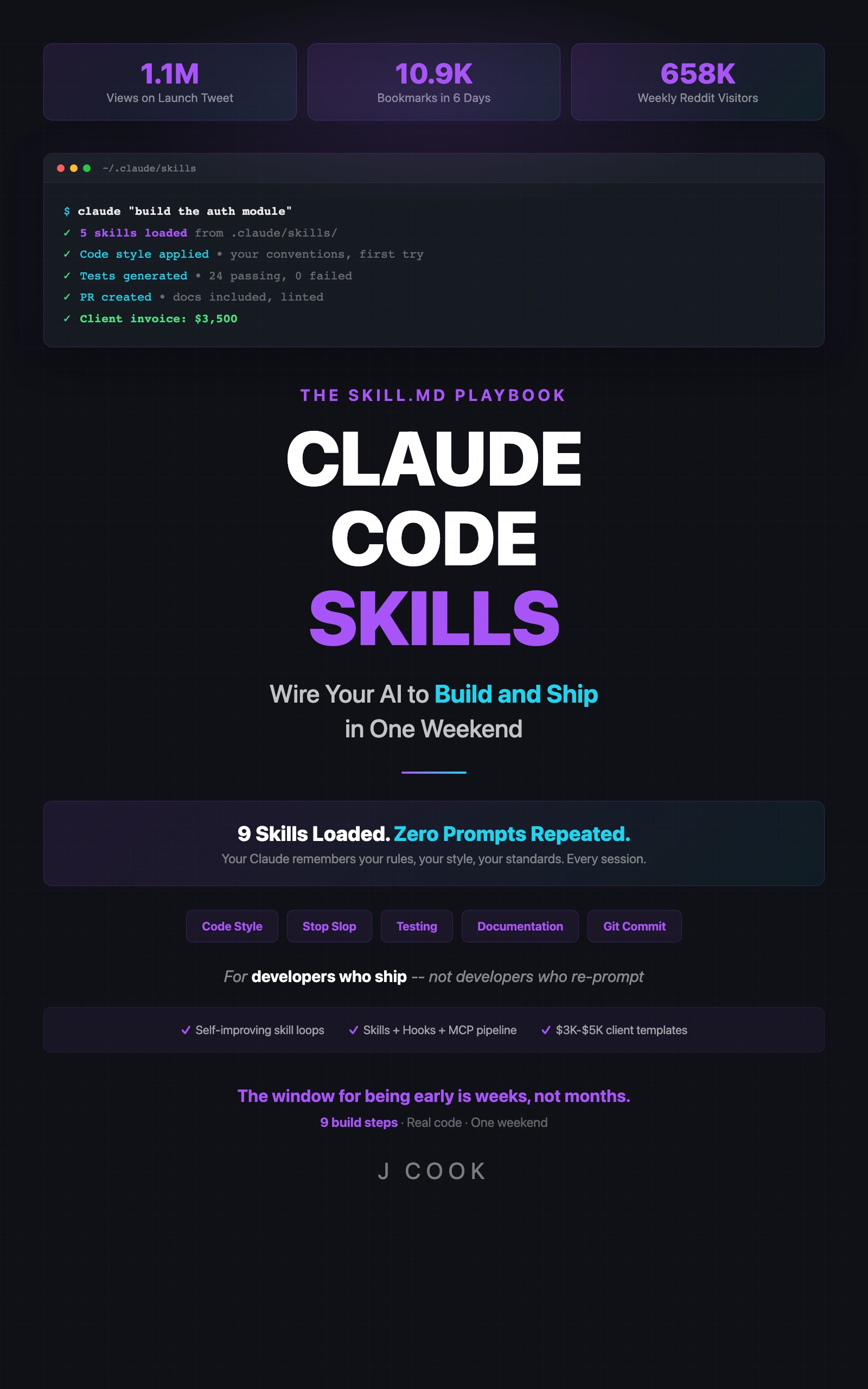
Claude Code Skills
The SKILL.md Playbook — Wire Your AI to Build and Ship in One Weekend
Summary:
- Five SKILL.md files that stop you from correcting Claude every session.
- Before/after code examples showing the exact difference each skill makes.
- Copy-paste skill files ready to drop into your project.
- Compound effect: all 5 firing together on a single task.
I spent my first month with Claude Code re-typing the same corrections. “Use named exports.” “Vitest, not Jest.” “No generic variable names.” Every single session.
Then I added 5 skill files. Total setup: 45 minutes. Claude never made those mistakes again.
What goes in a skill file?
A skill file is markdown in .claude/skills/ (see the Claude Code documentation for the full reference). Four parts:
# Skill Name

## Trigger
When this skill activates (e.g., "when writing TypeScript files")

## Instructions
The specific rules to follow

## Constraints
Hard limits and things to never do

## Examples
Before/after showing correct output
Drop it in .claude/skills/, restart your session, done. Claude reads it automatically.
Skill 1: Stop Slop
The most impactful skill you’ll build. Kills generic variable names, placeholder data, and filler comments.
# Stop Slop

## Trigger
When writing or modifying any code file

## Instructions
- Use domain-specific variable names: `userProfile` not `data`, `invoiceTotal` not `result`
- Replace generic example data with realistic values: "Priya Sharma" not "John Doe", "priya.sharma@fastmail.com" not "test@test.com"
- Comments explain WHY, never WHAT: "// Filter unverified users before billing" not "// Loop through the array"
- No unused imports, no commented-out code blocks

## Constraints
- Never use `data`, `result`, `response`, `temp`, `item` as variable names
- Never use `test@test.com`, `John Doe`, `foo`, `bar` in examples
Before (without skill):
const data = await fetchData(id);
const result = data.filter(item => item.active);
// Loop through results
for (const item of result) {
  process(item); // Process each item
}
After (with skill):
const userProfiles = await fetchUserProfiles(organizationId);
const activeMembers = userProfiles.filter(member => member.isActive);
// Only bill members who completed onboarding
for (const member of activeMembers) {
  generateMonthlyInvoice(member);
}
Same logic. Night and day readability.
Skill 2: Testing Standards
Forces the right test framework and meaningful assertions. (If you use Vitest, this skill prevents Claude from defaulting to Jest.)
# Testing Standards

## Trigger
When writing or modifying test files

## Instructions
- Use Vitest (not Jest, not Mocha)
- Test behavior, not implementation: "should reject expired tokens" not "should call validateToken"
- Assertions must be specific: `expect(result).toBe('validated')` not `expect(result).toBeTruthy()`
- Include edge cases: empty input, null values, boundary conditions
- One assertion concept per test block

## Constraints
- Never import from 'jest' or '@jest/globals'
- Never use `toBeTruthy()` or `toBeFalsy()` as primary assertions
- Never test private methods directly
Before:
test('works', () => {
  const result = validate(token);
  expect(result).toBeTruthy();
});
After:
describe('token validation', () => {
  it('should accept tokens within 15-minute expiry window', () => {
    const token = createToken({ expiresIn: '10m' });
    expect(validate(token)).toBe('valid');
  });

  it('should reject tokens older than 15 minutes', () => {
    const token = createToken({ expiresIn: '-1m' });
    expect(validate(token)).toBe('expired');
  });

  it('should reject malformed token strings', () => {
    expect(validate('not-a-real-token')).toBe('invalid');
  });
});
Skill 3: Documentation
JSDoc where it matters, silence where it doesn’t.
# Documentation

## Trigger
When writing or modifying TypeScript/JavaScript files with exported functions

## Instructions
- JSDoc required for all exported functions: @param, @returns, @throws, @example
- Private functions under 10 lines: skip docs (name should be self-documenting)
- Include at least one @example with realistic input/output
- Description: one sentence max, starts with verb

## Constraints
- Never document obvious getters/setters
- Never use @description tag (redundant with first line)
- No multi-paragraph JSDoc blocks
Skill 4: Git Commits
Conventional commits with scope tags. No more “fix stuff.”
# Git Commits

## Trigger
When creating git commit messages

## Instructions
- Format: `type(scope): description`
- Types: feat, fix, refactor, test, docs, chore
- Scope: the module or feature area (auth, billing, api, ui)
- Description: imperative mood, under 72 characters, lowercase
- Body (if needed): explain WHY, not WHAT

## Constraints
- Never use past tense ("added", "fixed")
- Never exceed 72 characters in subject line
- Never use generic scope ("app", "code", "stuff")

## Examples
Bad: "Fixed the login bug"
Good: "fix(auth): reject expired refresh tokens instead of silent fail"
Skill 5: Code Review
Prioritized, direct, no filler.
# Code Review

## Trigger
When reviewing code or providing feedback on changes

## Instructions
- Priority order: (1) bugs, (2) security, (3) performance, (4) API design, (5) style
- One issue per comment, with specific line reference
- Include fix suggestion with code, not just the problem
- If no issues found, say "No issues found" — don't invent praise

## Constraints
- Praise is unnecessary. Focus on problems.
- Never suggest changes that are purely stylistic preference
- Never recommend refactoring unrelated code
- Reference the testing skill for test-related feedback
What broke
First week, my code review skill kept suggesting Jest even though my testing skill specified Vitest. The review skill was in a higher-priority folder (09-communication/) and overrode the testing skill (02-testing/).
Fix: changed the code review skill to reference “the project’s test framework” instead of naming a specific one. Took 2 minutes. Never happened again.
# Find conflicting rules across all skills
grep -r "jest\|Jest" .claude/skills/
# If this returns hits in multiple files, you have a conflict
How do all 5 work together?
I asked Claude to build a user validation function. With all 5 skills active:
- Stop Slop: named the function
validateUserRegistration, notvalidate. UsedemailAddressnotemail. - Testing: generated 4 Vitest tests with specific assertions including edge cases
- Docs: added JSDoc with
@param,@returns,@throws, and a working@example - Git Commit: suggested
feat(auth): add user registration validation with email format check - Code Review: flagged a missing null check on the phone number field
One prompt. All 5 skills fired. Zero corrections needed.
A developer on r/ClaudeCode put it best (70 upvotes): “I stopped thinking about code quality and started thinking about product features. Claude handles the quality layer now.”
What should you actually do?
- Right now → create
.claude/skills/in your project, drop in Stop Slop (Skill 1). Restart Claude. Ask it to write a function. See the difference. - This afternoon → add the other 4. Total time: 45 minutes. Test each one with a before/after comparison.
- This week → notice what corrections you’re still making. Each correction is a missing skill. Write it.
bottom_line
- Five skill files, 45 minutes of setup, and Claude never makes the same mistake twice.
- Stop Slop is the highest-impact single skill you can build. Start there.
- Skills compound. Each one you add makes the others more effective because Claude’s output needs fewer corrections overall.
Frequently Asked Questions
What are Claude Code skills?+
SKILL.md files in your .claude/skills/ directory that tell Claude your coding standards, testing preferences, and project rules. They persist across sessions so you never re-explain your setup.
How many skills should I start with?+
Five. Stop Slop, Testing Standards, Documentation, Git Commits, and Code Review. These cover the most common corrections developers make. Add more after you see results.
Do Claude Code skills work with other AI coding tools?+
No. SKILL.md files are specific to Claude Code's skill system. Cursor uses .cursorrules, Copilot uses settings. The concepts transfer but the files don't.
More from this Book
How to Sell Claude Code Skills Consulting for $2,200-$5,200 Per Engagement
A developer made $5,200 in two days building skills libraries. Here's the exact process: Day 1 audit, Day 2 delivery, three pricing packages, and the sales math that closes deals.
from: Claude Code Skills
Set Up a Claude Code Pre-Commit Hook That Catches Bugs Before They Ship
Build a pre-commit hook that caught 14 bugs in 2 months for $2-4/month. Includes hook anatomy, auto-test and doc-sync hooks, and MCP pipeline integration.
from: Claude Code Skills
How to Make Claude Code Learn From Its Own Mistakes
Build a self-improving skill that evaluates Claude's output, updates its own rules, and costs $1-4/month. Includes the $40 API burn that taught me exit conditions.
from: Claude Code Skills