Set Up a Claude Code Pre-Commit Hook That Catches Bugs Before They Ship
>This covers pre-commit hooks. Claude Code Skills includes self-improving skills, MCP integration, memory systems, and a complete 30-day roadmap to 50+ skills.
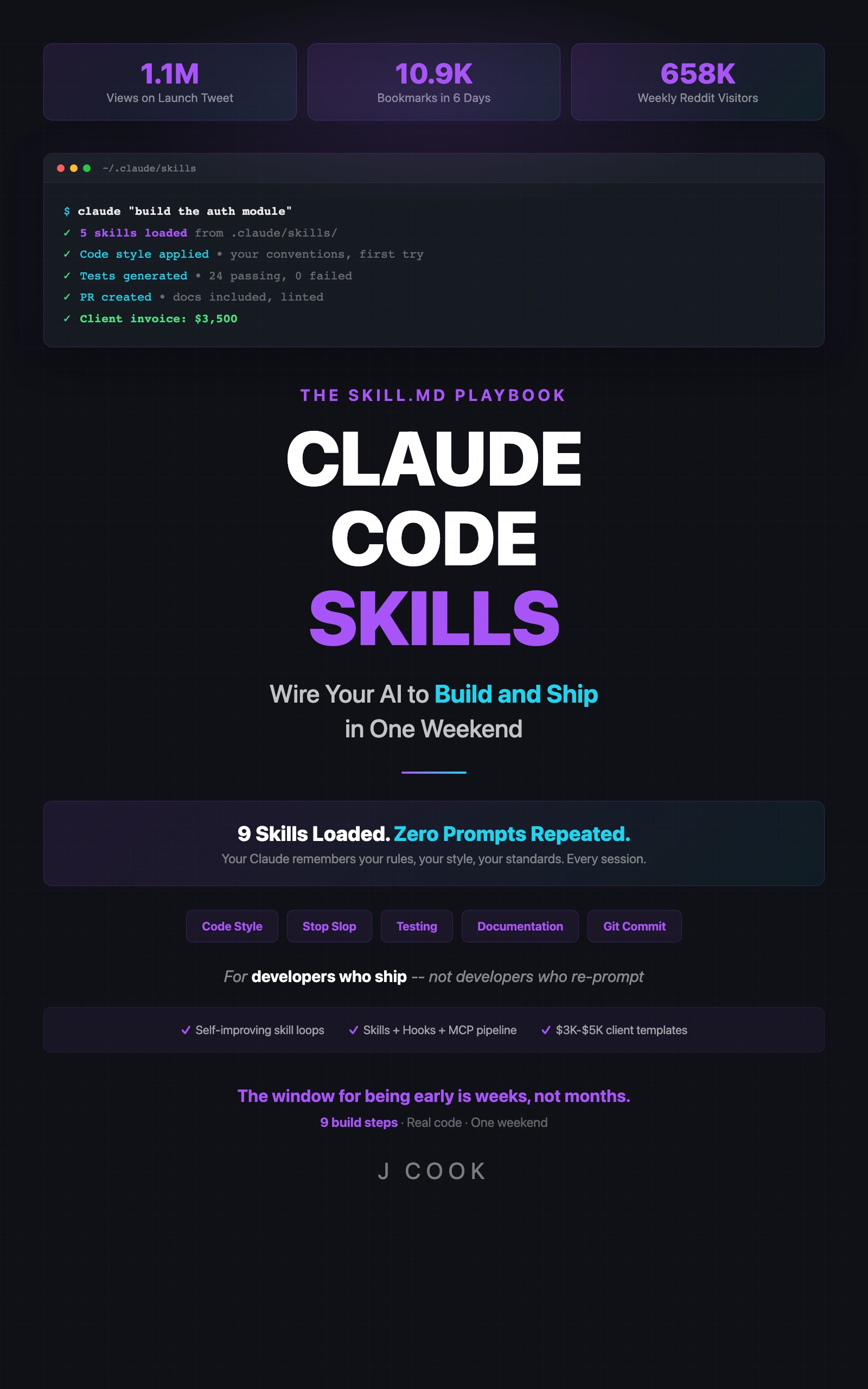
Claude Code Skills
The SKILL.md Playbook — Wire Your AI to Build and Ship in One Weekend
Summary:
- Pre-commit hook anatomy: event, pattern, action, and blocking options.
- Real results: 14 bugs caught in 2 months, including SQL injection and race conditions.
- Three hook types: pre-commit (blocking), auto-test (non-blocking), doc-sync (commit-time).
- MCP pipeline integration for database migration review.
- Cost breakdown: $2-4/month for 20 commits/day.
A pre-commit hook caught 14 bugs in my codebase over 2 months. Five null reference errors. Three validation gaps. Two race conditions. Two error handling failures. One SQL injection. One type coercion bug. Every single one would have shipped to production without it.
Total cost for those 2 months: under $8.
How does a Claude Code hook work?
A hook is four properties: event, pattern, action, and options (see the Claude Code hooks documentation for the full specification). The event triggers it. The pattern scopes it to specific files. The action tells Claude what to do. The options control whether it blocks or runs in the background.
Hook configuration lives in your project’s .claude/settings.json (the same file that configures MCP servers and permissions):
# .claude/hooks/pre-commit.yml
event: git:pre-commit
pattern: "src/**/*.ts"
action:
  skill: code-review
  prompt: |
    Review the staged changes for:
    1. Null reference risks in async handlers
    2. Missing input validation on public functions
    3. Unhandled promise rejections
    4. SQL injection via string concatenation
    5. Type coercion bugs in comparisons
    Fail the commit if any critical issue found.
options:
  blocking: true
When you run git commit, Claude intercepts the staged changes, runs the review against your specified checks, and blocks the commit if it finds a critical issue. The whole process takes 3-5 seconds.
What did the hook actually catch?
Here’s the real breakdown from 2 months of use:
Bug Category          Count    Example
─────────────────────────────────────────────────────────
Null references         5      user.profile.avatar without null check
Validation gaps         3      API endpoint accepting negative quantity
Race conditions         2      Concurrent writes to shared cache key
Error handling          2      catch(e) {} — empty catch swallowing errors
SQL injection           1      `WHERE id = ${userId}` instead of parameterized
Type coercion           1      if (count == "0") instead of === 0
─────────────────────────────────────────────────────────
Total                  14
The SQL injection alone justified the entire setup. That query was in a route handler that accepted user input directly. It passed code review from two developers. The hook flagged it in 4 seconds.
How do you add a non-blocking auto-test hook?
Not every hook needs to block your workflow. The auto-test hook runs on file save in the background. You keep working while Claude checks.
# .claude/hooks/auto-test.yml
event: file:save
pattern: "src/**/*.ts"
action:
  skill: testing
  prompt: |
    Run tests related to the saved file.
    If tests fail, report which tests broke and why.
    Do not block the save.
options:
  blocking: false
This fires every time you save a TypeScript file. Claude identifies the relevant test file, runs it, and reports failures without interrupting your typing. The feedback loop shrinks from “commit, CI fails 10 minutes later, context-switch back” to “save, see failure in 5 seconds, fix immediately.”
How does the doc-sync hook prevent stale documentation?
Stale docs are worse than no docs. The doc-sync hook checks JSDoc alignment on every commit.
# .claude/hooks/doc-sync.yml
event: git:pre-commit
pattern: "src/**/*.ts"
action:
  skill: documentation
  prompt: |
    Compare JSDoc comments with actual function signatures in staged files.
    Flag any mismatch: wrong @param names, missing @returns, outdated @example.
    Fail if any exported function's JSDoc doesn't match its signature.
options:
  blocking: true
This hook caught 8 stale docs in 6 weeks. The typical failure: a developer renamed a function parameter from userId to accountId but left the JSDoc saying @param userId. The hook flagged it before the commit went through.
# Example hook output on a commit with stale docs
✗ Pre-commit doc-sync check failed

  src/billing/invoice.ts:
    generateInvoice(): @param 'userId' should be 'accountId' (renamed line 42)
    calculateTotal(): missing @returns (function now returns Promise<InvoiceTotal>)

  Fix these before committing, or run:
    git commit --no-verify  # Skip hook (not recommended)
How do hooks connect to MCP servers?
This is where it gets powerful. MCP (Model Context Protocol) servers give Claude access to external tools. Connect a database MCP server to your hook, and Claude reviews migrations against your actual schema.
Real example: a migration review hook caught a missing index on a 200,000-row table. The migration added a new column and a query that filtered by that column. Without an index, every query would full-scan 200K rows.
# .claude/hooks/migration-review.yml
event: git:pre-commit
pattern: "migrations/**/*.sql"
action:
  skill: database-review
  prompt: |
    Review this migration against the current schema (via MCP).
    Check for:
    1. Missing indexes on columns used in WHERE clauses
    2. Locking operations on tables over 100K rows
    3. Missing rollback steps
    Fail if any issue found.
  mcp:
    server: database
options:
  blocking: true
The three-layer decision for any automation task:
| Complexity | Solution | Example |
|---|---|---|
| Static rules | Skills alone | Code style, naming conventions |
| Event-triggered checks | Skills + hooks | Pre-commit review, doc sync |
| External system access | Skills + hooks + MCP | Migration review, deployment checks |
Start with skills. Add hooks when you want automation on specific events. Add MCP when you need Claude to talk to external systems.
What broke
First attempt, I set the pre-commit hook pattern to **/* instead of src/**/*.ts. Every commit triggered a review of node_modules changes, lock files, and generated assets. One commit took 90 seconds to review 400 files.
Fix: scope the pattern to source files only. If you need to review multiple directories, use separate hooks with separate patterns.
# Check what files your hook pattern matches
# before you commit
git diff --cached --name-only | grep -E "src/.*\.ts$"
# This should match ONLY the files you want reviewed
Second issue: the doc-sync hook and pre-commit hook both ran as blocking hooks. Two serial blocking checks meant 8-10 seconds per commit. I combined them into a single hook with two prompt sections. Commit time dropped to 4 seconds.
What should you actually do?
- If you commit code without automated review —> set up the pre-commit hook from this article. One YAML file, one skill reference. You will catch bugs that manual review misses.
- If you already have a pre-commit hook —> add the doc-sync check. Stale documentation causes more confusion than missing documentation. Eight catches in 6 weeks proves the ROI.
- If you want CI-level confidence locally —> add the MCP integration for database-aware reviews. This matters most for teams running migrations against production schemas.
bottom_line
- A pre-commit hook caught 14 bugs in 2 months for $2-4/month. That includes an SQL injection that passed two human reviewers.
- Three hook types cover most needs: blocking pre-commit for critical checks, non-blocking auto-test for fast feedback, and doc-sync for preventing documentation rot.
- Start with one blocking pre-commit hook on your source files. Add complexity only when you have a specific problem it solves.
Frequently Asked Questions
How much does a Claude Code pre-commit hook cost?+
Each invocation costs $0.005-$0.01. At 20 commits per day, that's $2-4/month. Cheaper than one bug making it to production.
Will a pre-commit hook slow down my workflow?+
Blocking hooks run before the commit completes, adding 2-5 seconds. Non-blocking hooks like auto-test run in the background and don't interrupt your flow.
What's the difference between hooks and skills?+
Skills are static rules Claude follows. Hooks are event-triggered actions that run automatically on specific events like commits, file saves, or deployments. Skills tell Claude how to write code. Hooks tell Claude when to check it.
More from this Book
How to Sell Claude Code Skills Consulting for $2,200-$5,200 Per Engagement
A developer made $5,200 in two days building skills libraries. Here's the exact process: Day 1 audit, Day 2 delivery, three pricing packages, and the sales math that closes deals.
from: Claude Code Skills
How to Make Claude Code Learn From Its Own Mistakes
Build a self-improving skill that evaluates Claude's output, updates its own rules, and costs $1-4/month. Includes the $40 API burn that taught me exit conditions.
from: Claude Code Skills
Claude Code Skills Not Working? The 7 Failure Modes and How to Fix Each One
Not loading, conflicts, vague instructions, context overflow, loop runaway, hook mismatch, Claude updates. Every failure mode with exact diagnosis steps and fixes.
from: Claude Code Skills